Archive for the ‘Uncategorized’ Category

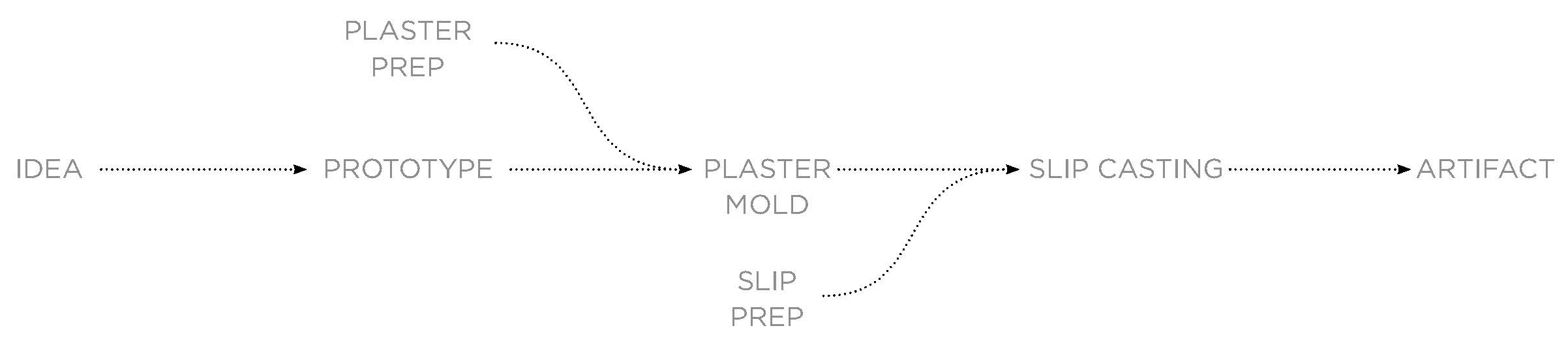
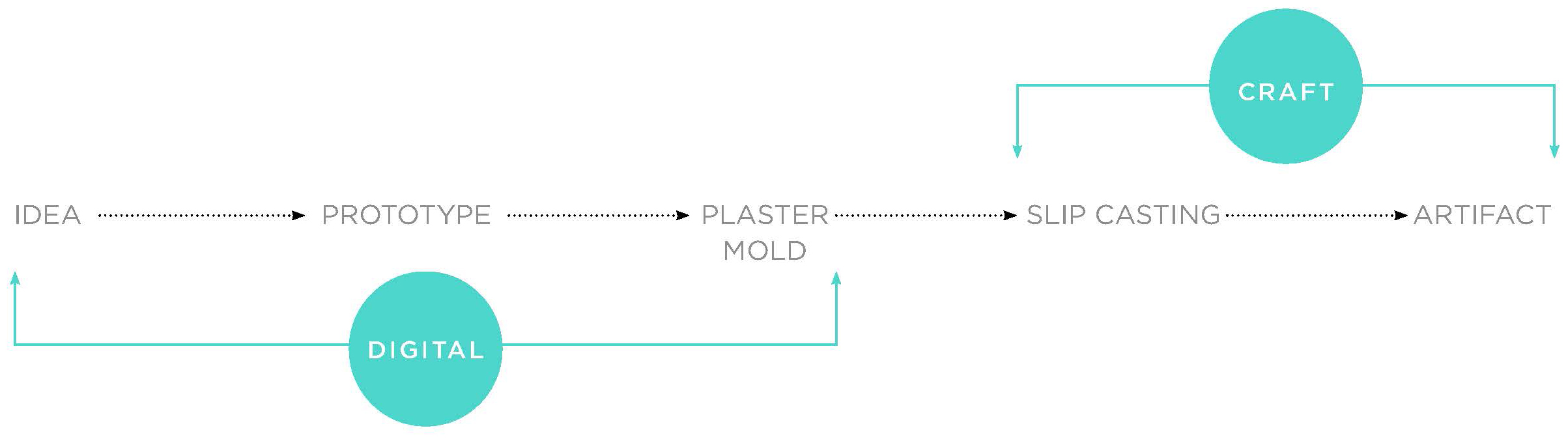
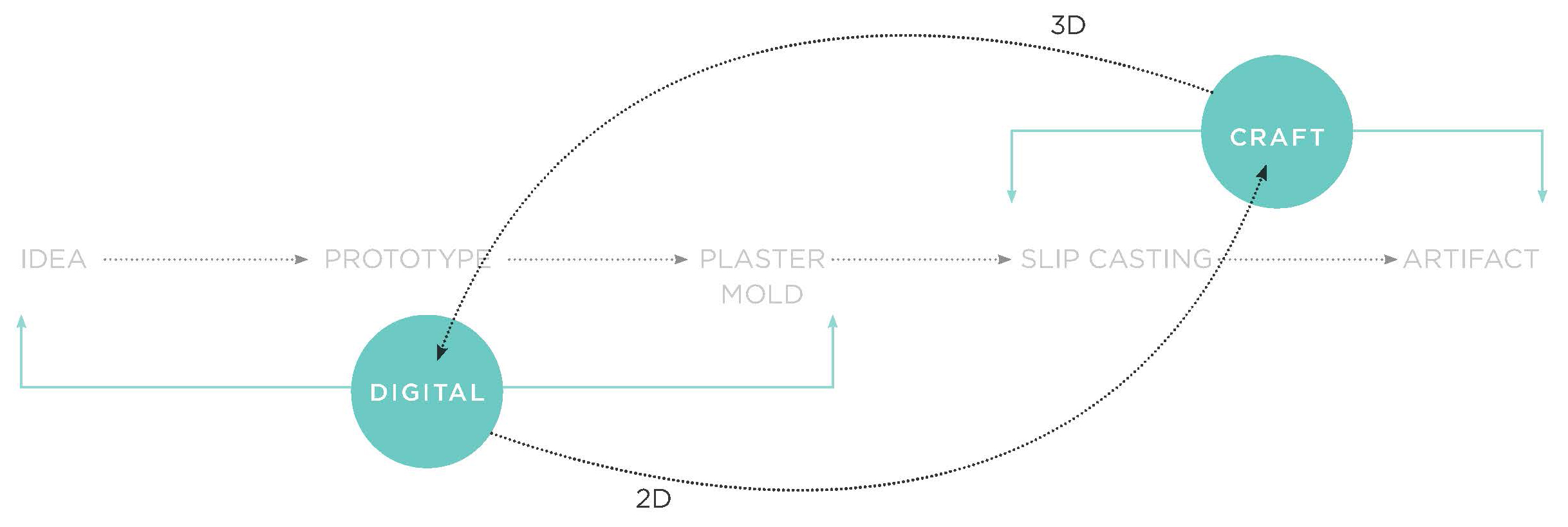
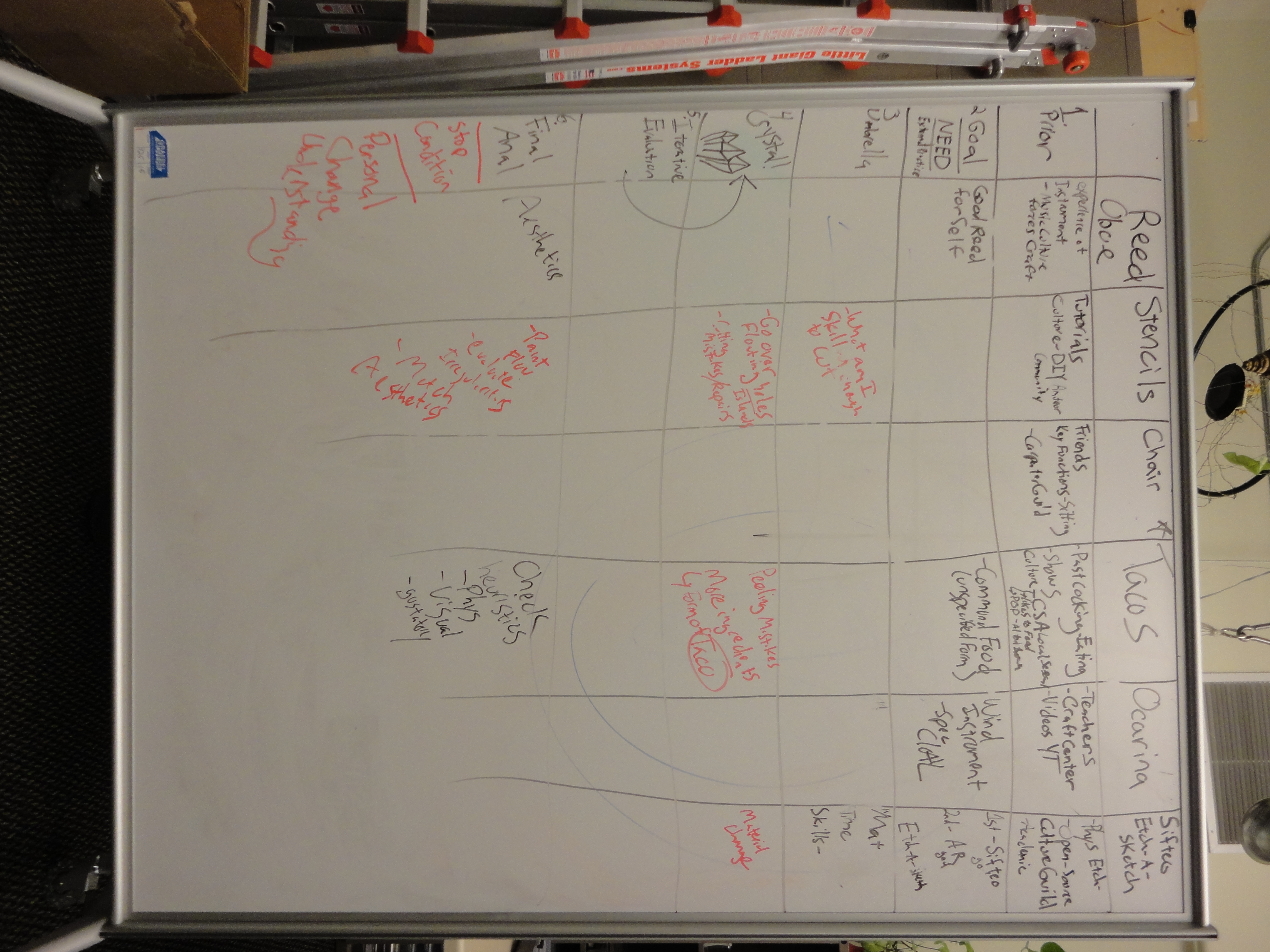
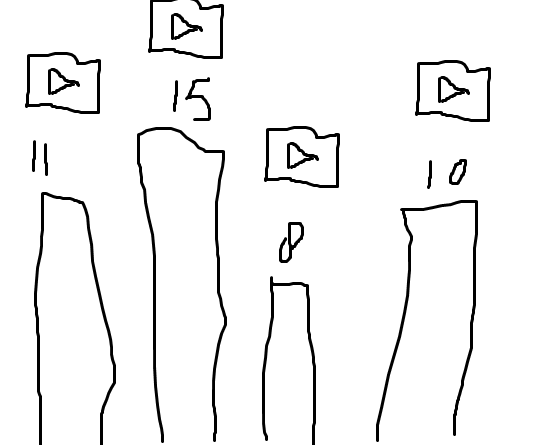
Some more scribble documentation

Monday, February 18th, 2013

Mini update from TEI: some invited presentations that look like craft

Tuesday, February 12th, 2013

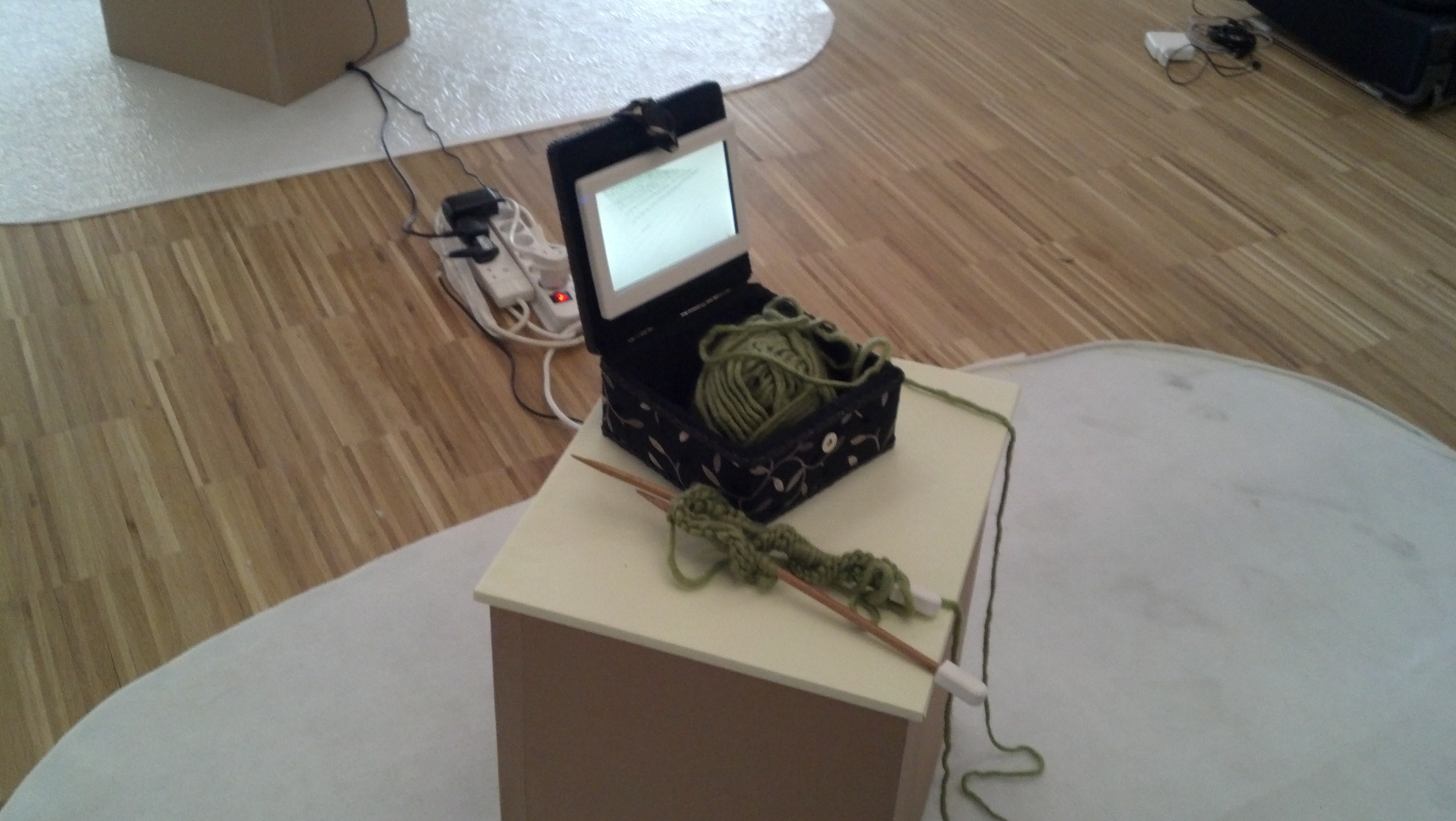
There are some presentations over here at TEI 2013 that kind of touch on craft. One is Movement Crafter

The movement crafter attempts to reconcile the pace of new technologies with traditional crafting activities that are performed as pastimes. The project explores concepts of quiet communication and technology hybrids and attempts to support crafting without making the craftsperson overly selfconscious of their practice.

What it does is tracking the movements of two pairs of knitting needles and visualizing it. When I tried it only one of the two stations worked and it was not too precise. But it kind of relates to the handiwork concept from Ashton.

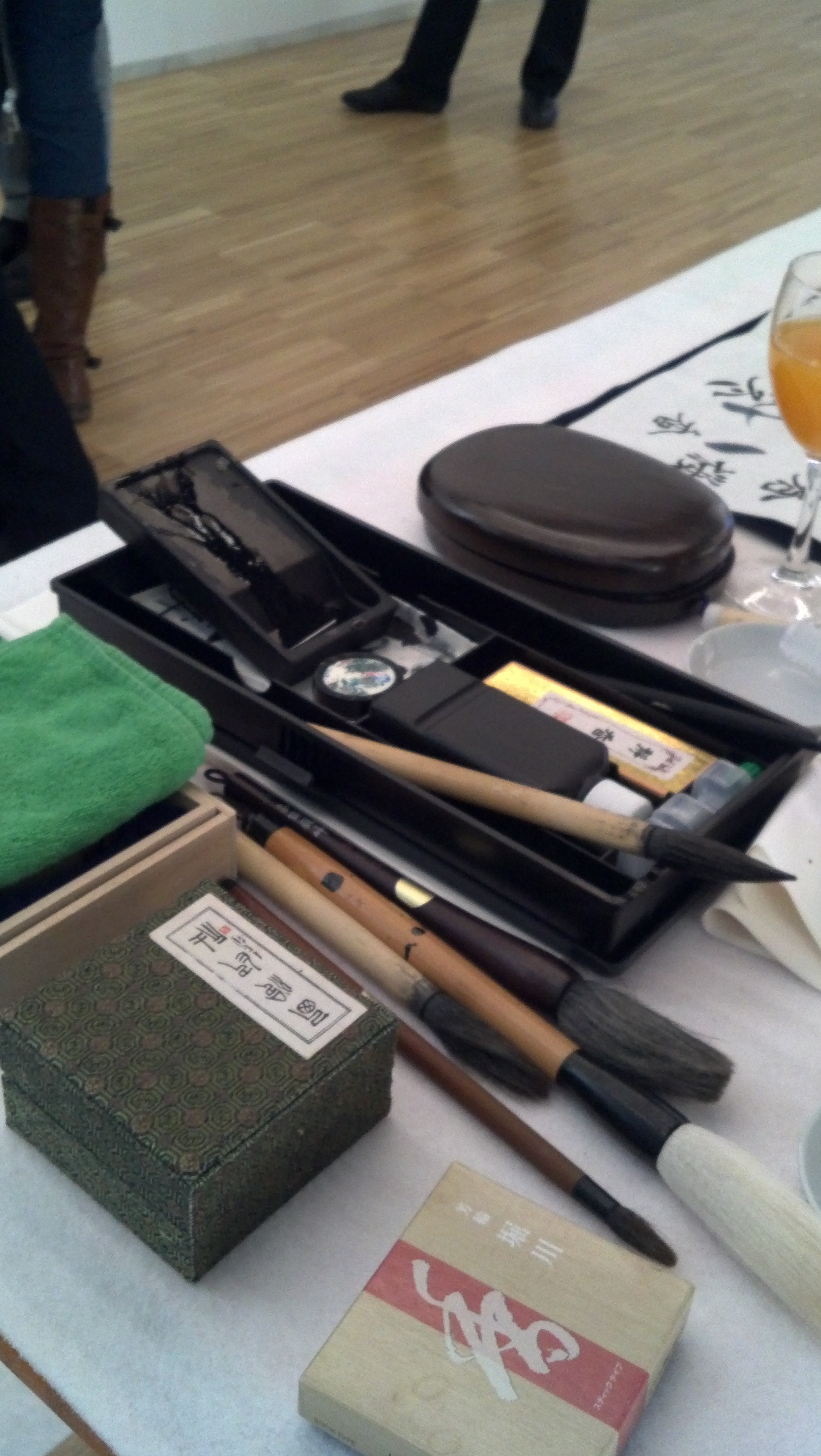
Another art project deals with the special ink that changes visibility under changing heat.

Transience is the Japanese calligraphy work with dynamic color changes. The scene where the letter colors are changing from moment to moment can give af”uent dynamism and feeling of vitality of calligraphy to viewers, and at the same time, it can express stream of time. Calligraphy is integrated with technology and materials seamlessly and Transience is produced to show ever-changing aesthetics fermented in Japan. In order to change letter colors on paper, we developed our original chromogenic mechanism from functional inks and conductive materials. For producing the chromogenic technology suitable for paper, we examined ink materials repeatedly, and as a result we realized the expression where calligraphy harmonizes with computer.

It was beautiful to see the change of the ink over time – but mainly because the lettering looked so good. Paint Pulse was definitely more ambitious.


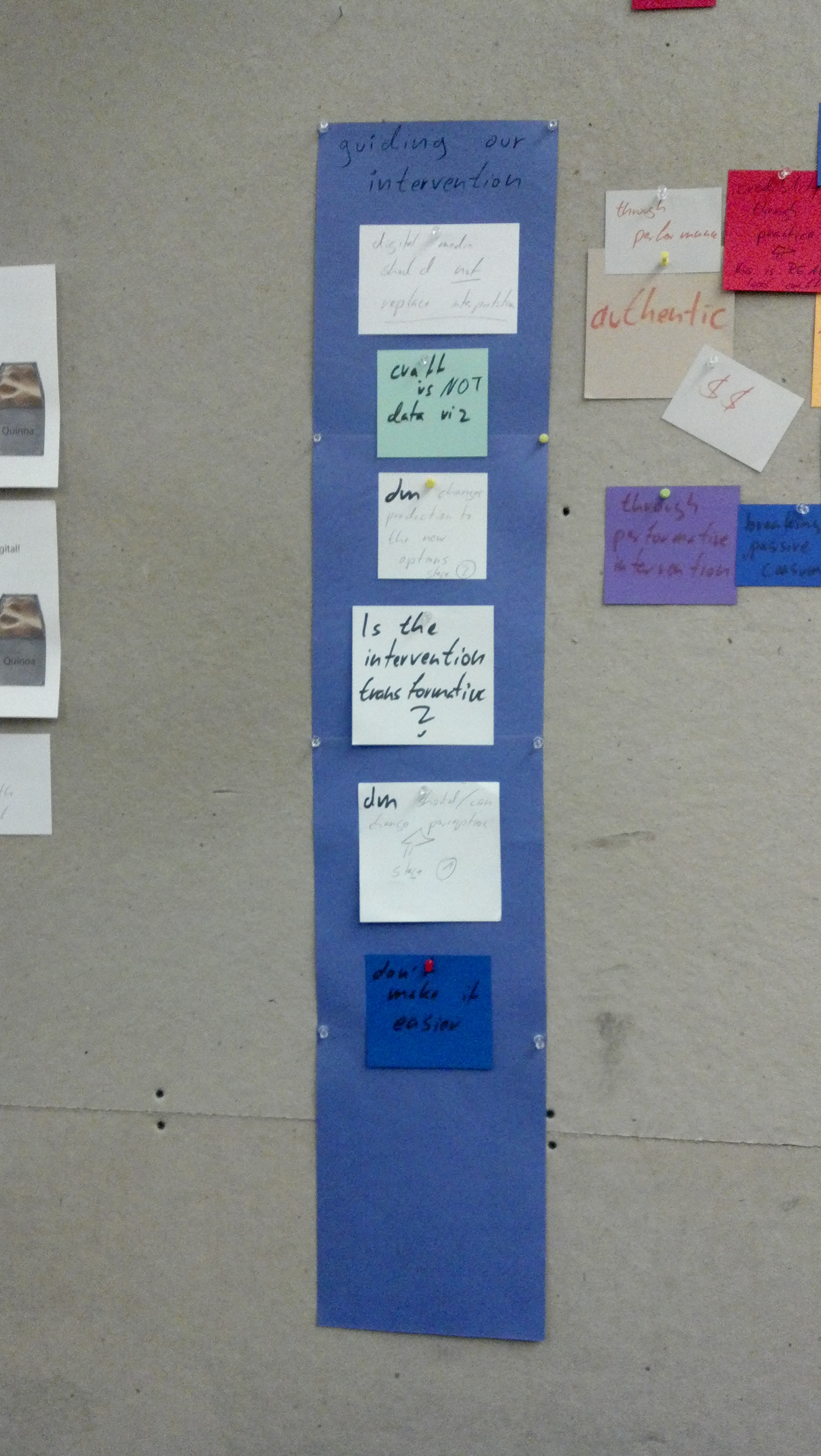
Evolving guidelines for digital intervention

Wednesday, February 6th, 2013

Our scribbles from the discussion today regarding guides and rules for digital intervention in craft.

Open Source Ecology

Wednesday, February 6th, 2013

Sam pointed me to that – and some of us might not be aware of this trend:

Open Source Philosophy. from Open Source Ecology on Vimeo.

Their spearhead project is the Global Village Construction Kit. As we drift into crafting and social context, it might be a good touching point for where digital media stand.

Tempo and tension in handiwork

Wednesday, February 6th, 2013

Crocheting is technically just a series of knots looped through previous knots in the yarn. It “builds up” through different sequences of actions. The actions include looping yarn around a hook,  pushing the hook through existing loops, and pulling the hook through again. The process is mechanically simple. However, skill and practice is required to achieve an even series of knots with the right tension on the yarn. Too loose and the work shows unsightly holes. Too tight, and the fabric buckles, or worse, the needle does not easily slip through the loop on the next row.

The two hands work together to crochet. One hand maneuvers the hook and loops the yarn. The other hand holds the work and feeds the yarn to the hook that’s looping it. This hand holding  the work is responsible for maintaining an even tension. It does so by pulling the work down while the hook in the other hand tries to pick up the work as it pulls the yarn through existing loops.

A crochet piece achieves visual complexity when stitches are made in different combinations. This requires the crocheter to count silently while they work and maintain an even tension. Some rows are repetitive and induce a meditative state. At this point, the count is internalized as movement. The crocheter actually feels the rhythm of the pattern as they carry out manual tasks with the needles and yarn. The actions result in a tempo that internalized to relieve the need to count for long periods of time.

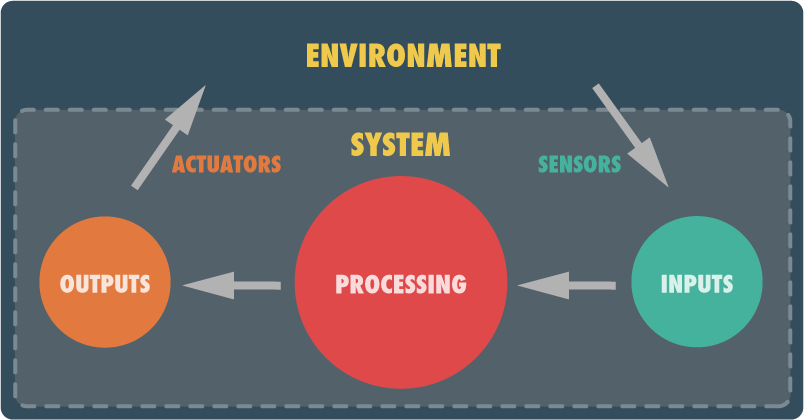
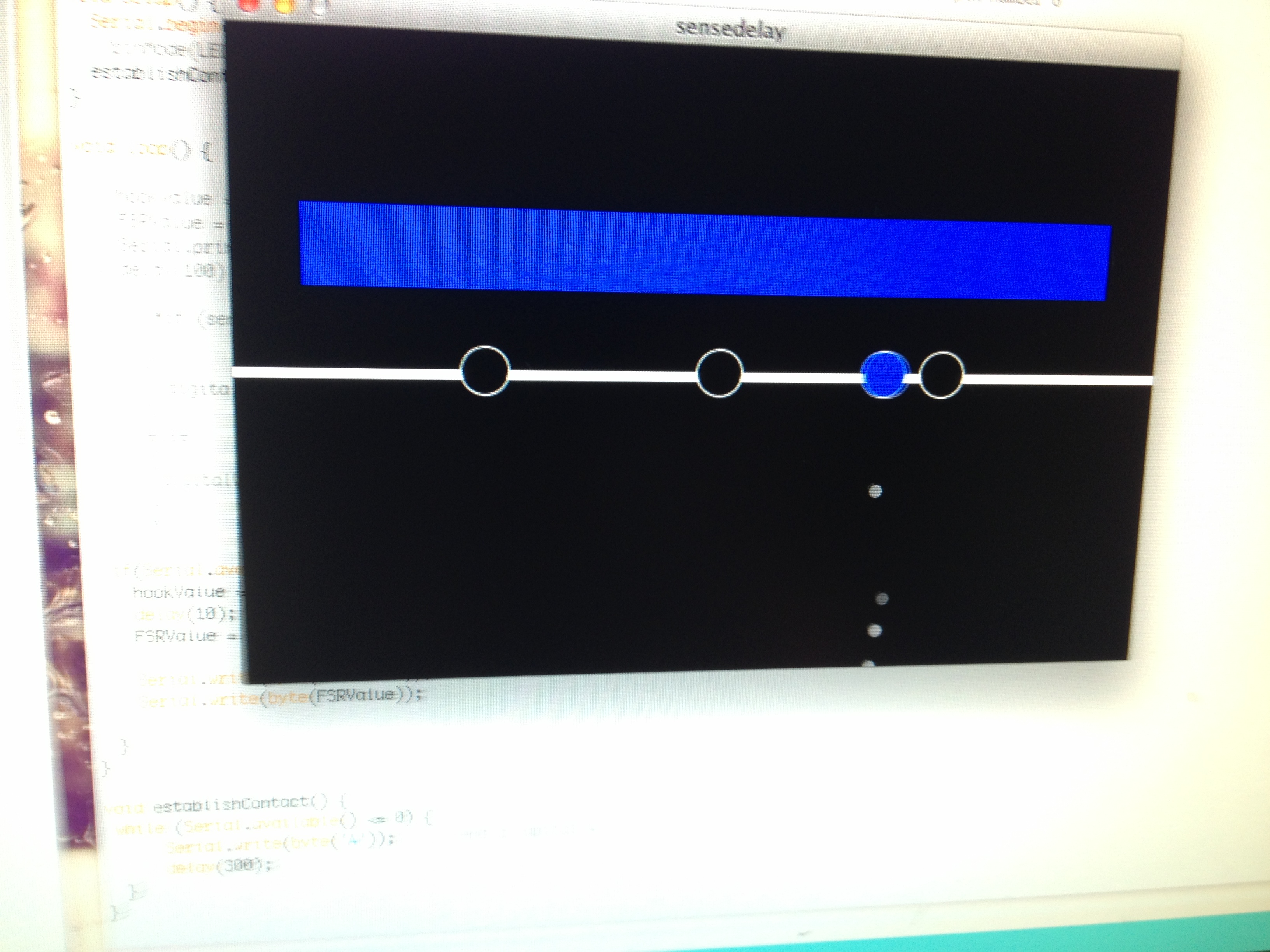
To communicate this tacit feeling of this work, this intervention simulates a repetitive double crochet chain. A Processing application visualizes the ideal sequence of operations, the passage of time, and input from the sensors attached to the hook and the work.

The left hand holds the work. The work is a crocheted pouch with a force sensing resistor inside. The user grips the work firmly when pulling new yarn through existing loops. This additional force counters any pull from the hook and maintains even tension. Since the hand holding the work also feeds yarn to the hook, it should otherwise relax to prevent stitches from being worked too tight.

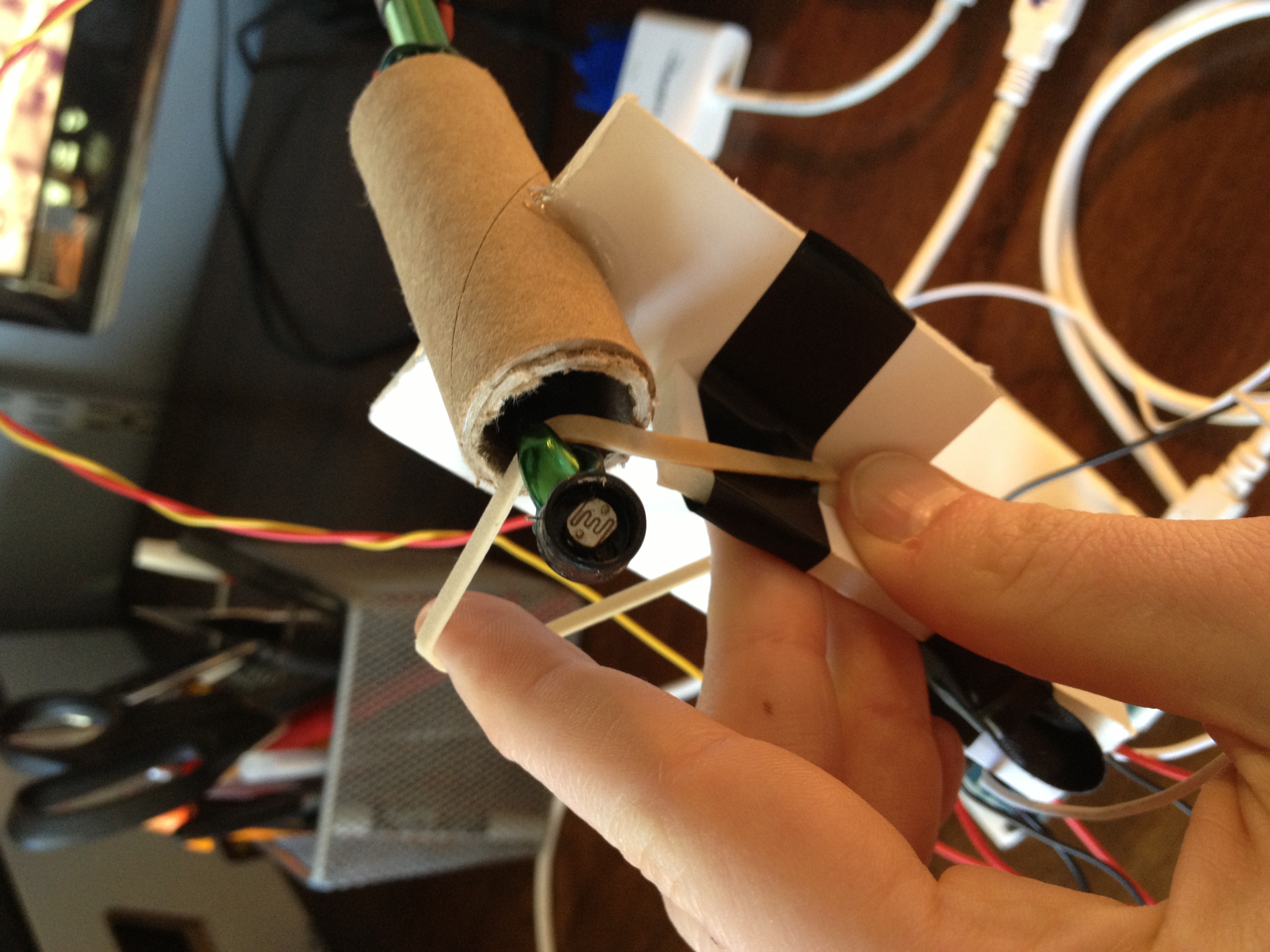
The hook has a photocell attached to its tip. The hook slips in and out of an semi-opaque tube. When the photocell registers a transition from lighter to darker environments, the stitch has “passed through” a loop and a new knot has been made. A double crochet consists of three knots in one loop. So, the user will repeats this for a total of three times before starting again.

Users should attempt to match their tension to the tension levels illustrated at different points on the action pattern. Likewise, knots registered by the photocell should be completed at the three specified times. As users’ actions converge on the pattern, they start to understand the feel of tempoed action. Crocheters maintain this tempo between tool and hands to sustain peace of mind and achieve an even tension for their material.


Practice holding the fabric with the correct tension. A photocell on the end of the crochet hook detects a “stitch” when it enters the dark tunnel. A force sensing resistor measures the grip of the hand holding the work.


When the circles align, it’s time to retract the hook into the tube and make a stitch.

The Voicing Hole.

Wednesday, February 6th, 2013

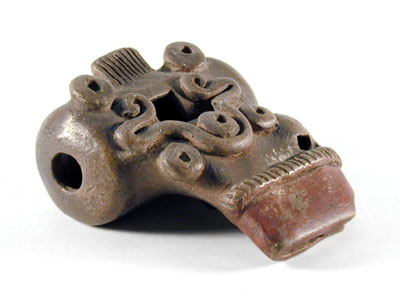
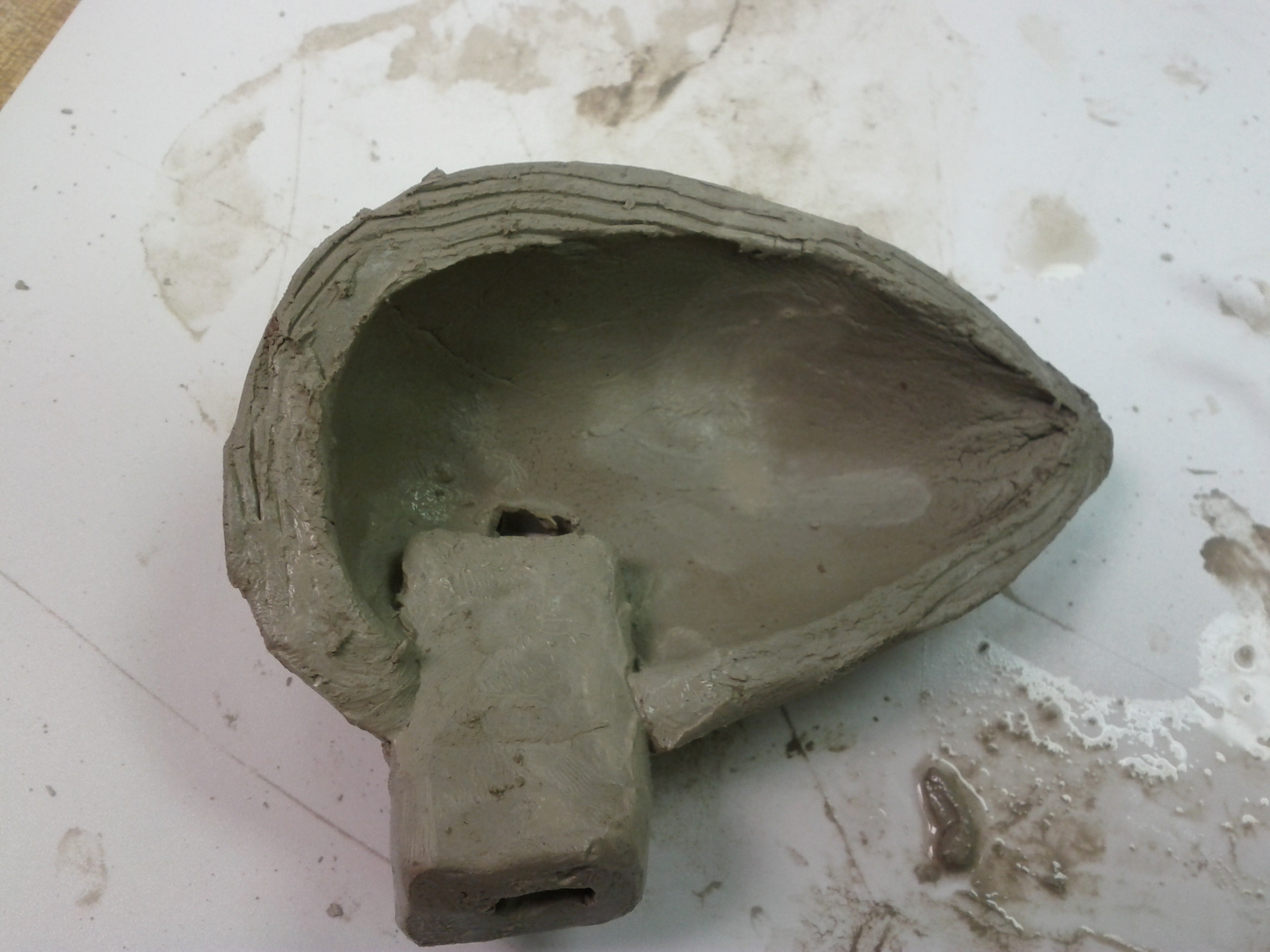
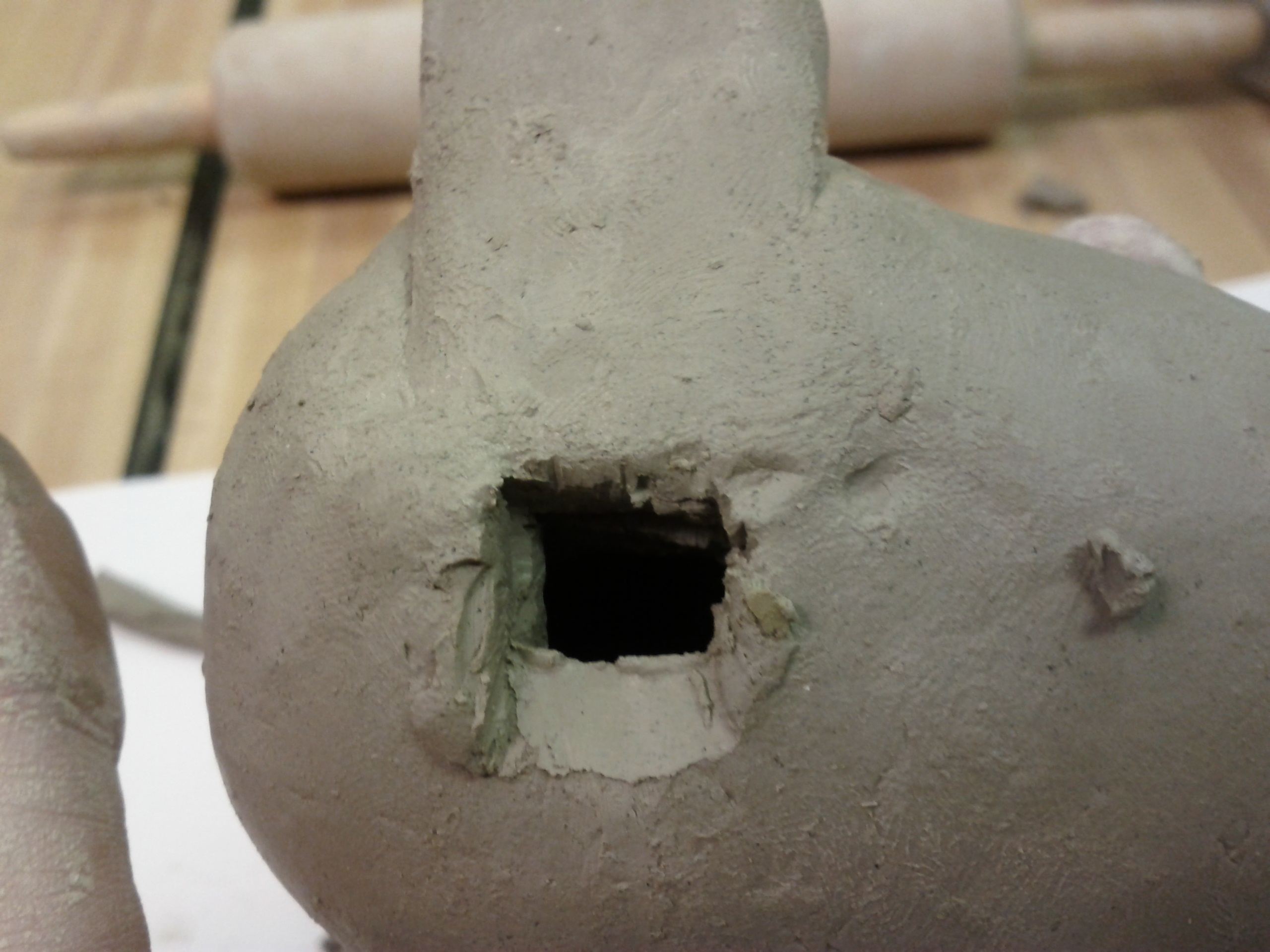
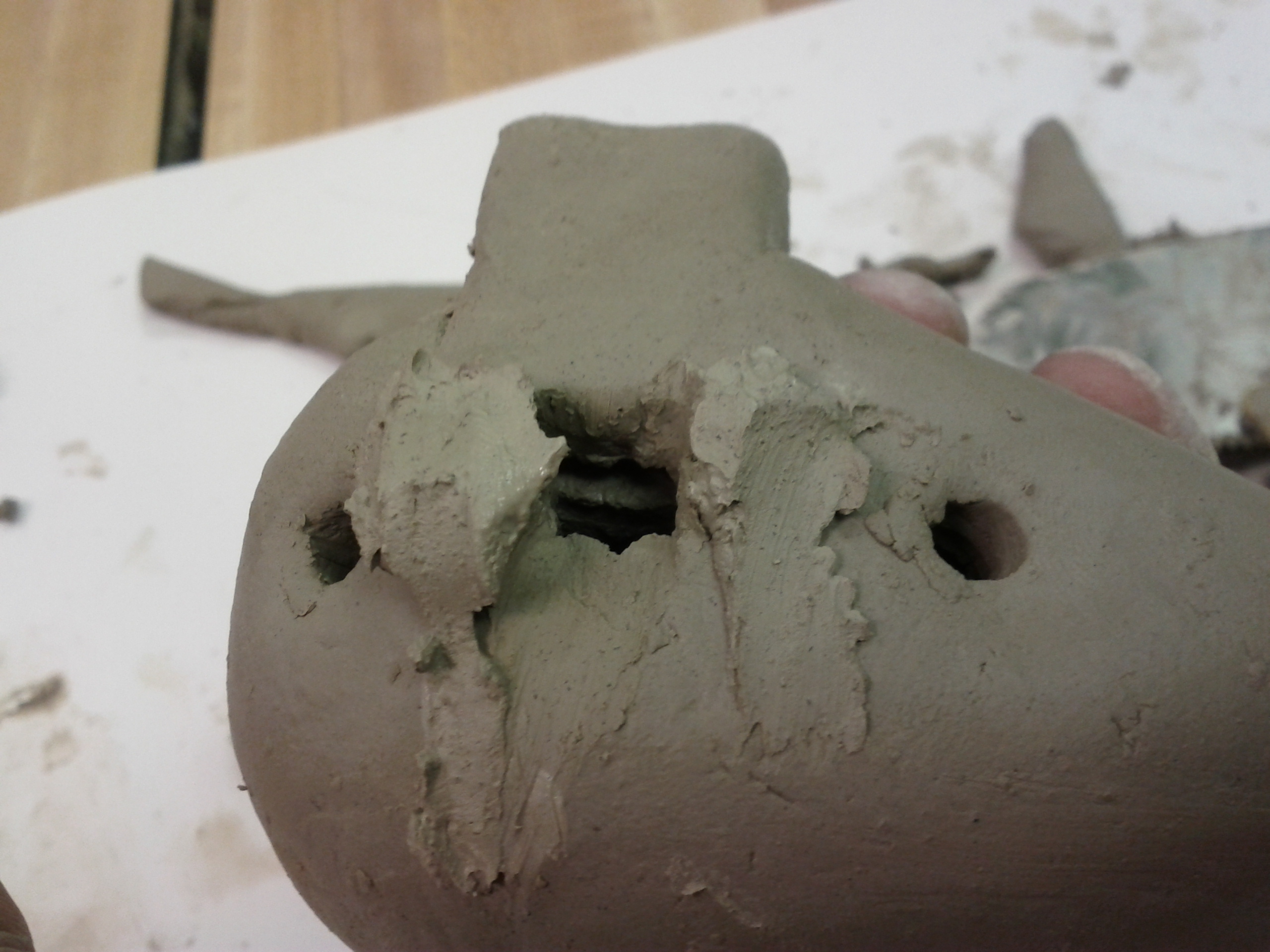
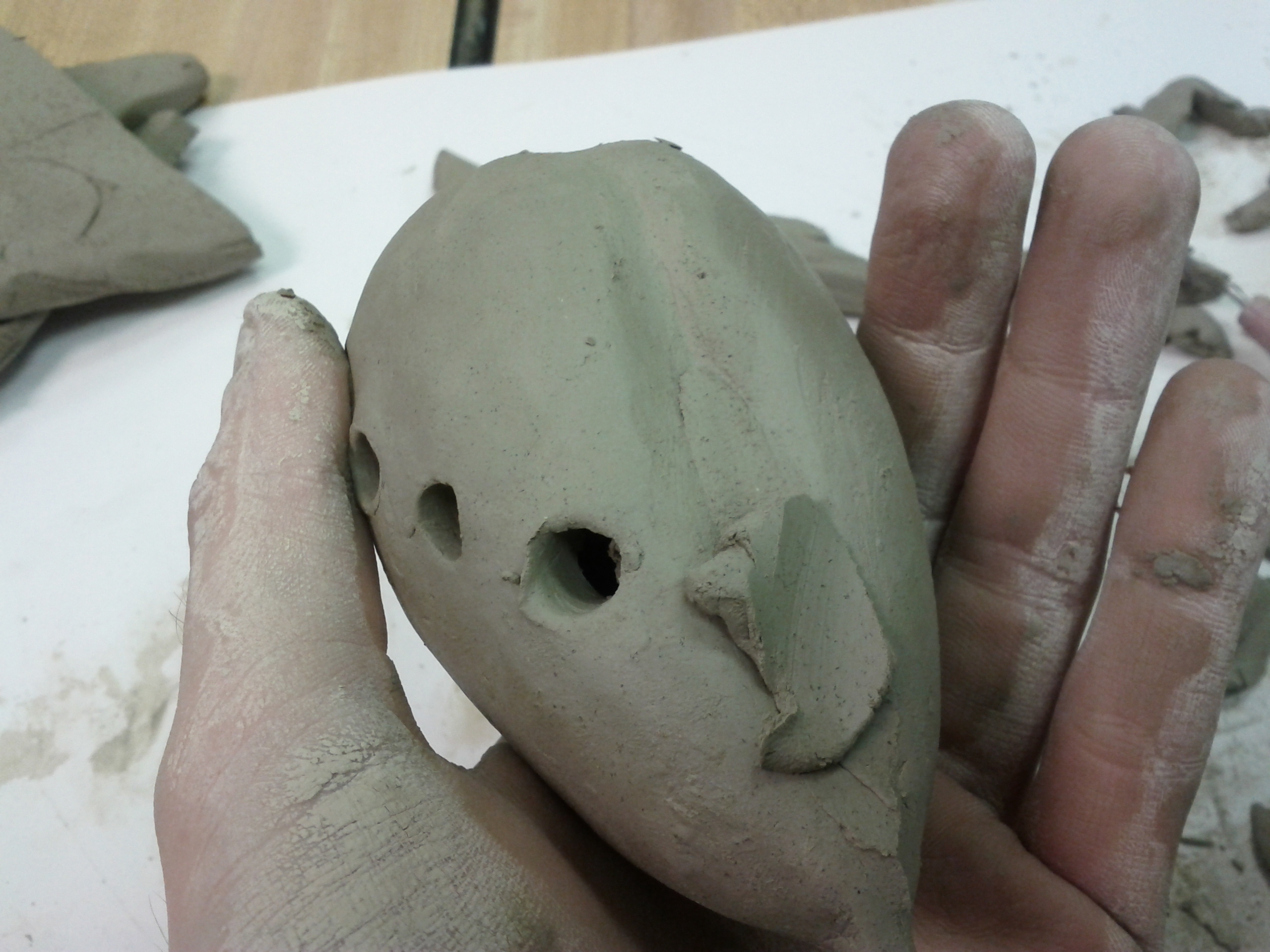
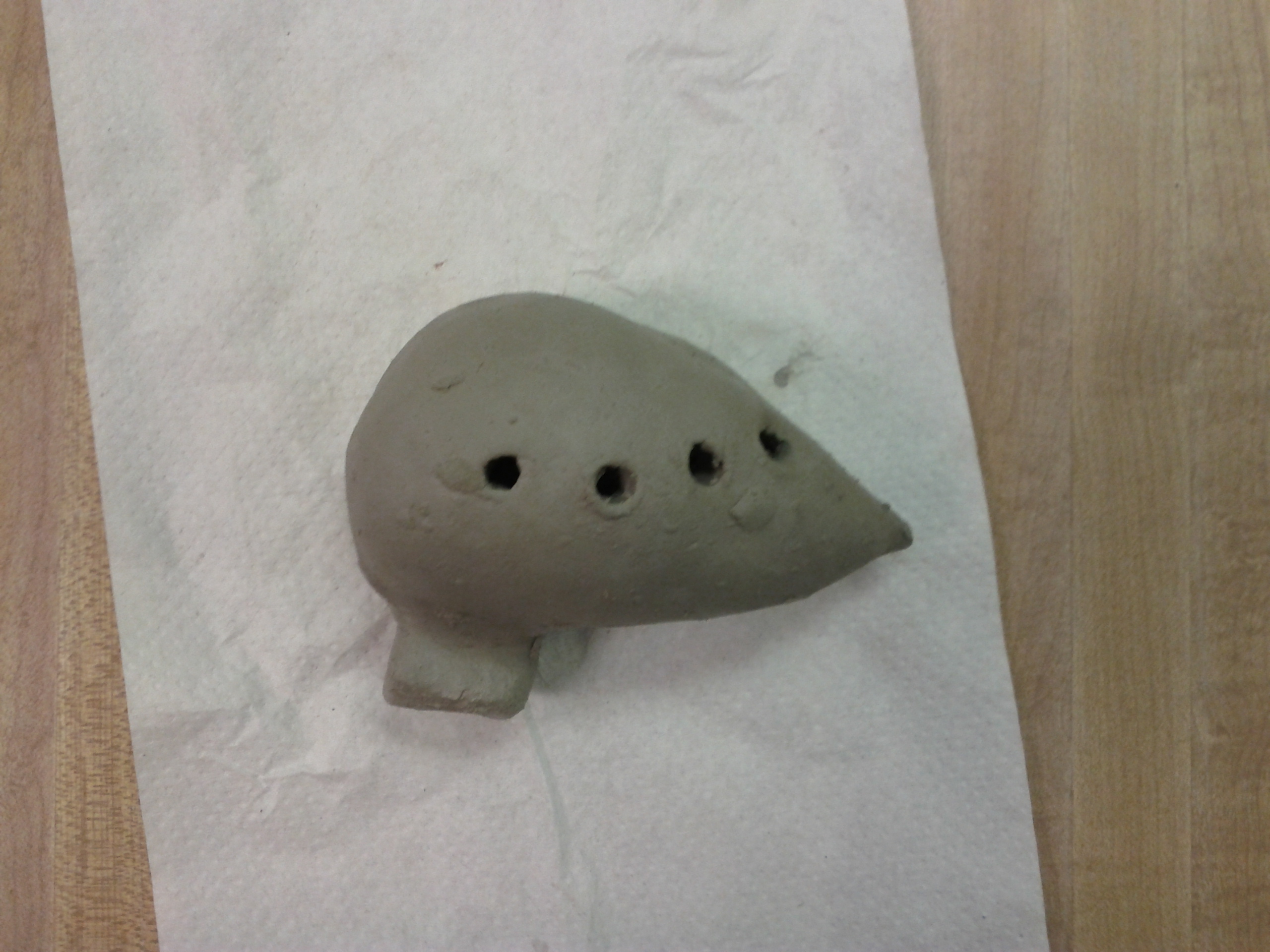
The absolute most time consuming/frustrating/dangerous part of making a sweet potato clay ocarina is the voicing hole. Tuning the instrument can be difficult, but with enough time and the right techniques and tools, it’s much more of a precise science than the voicing box.

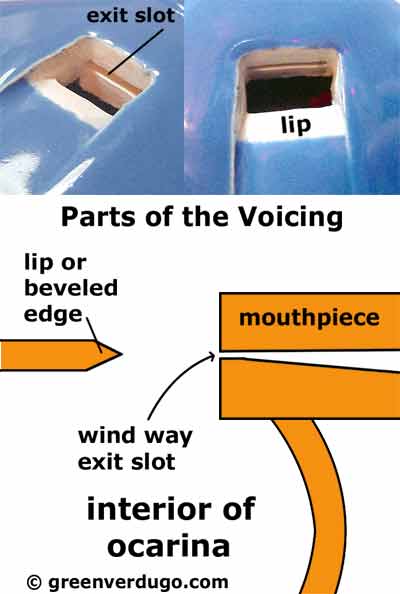
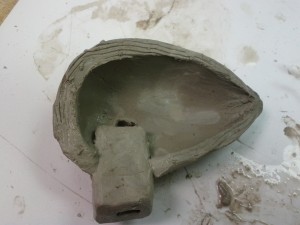
To make the box, one must cut out a small hole that matches where the air stream is coming from the mouthpiece and then cut a wedge, so it divides the air stream (somewhat) perfectly. This must be done while the clay is still malleable, the ocarina is in two pieces (so structurally unsound) and often must be done and redone several times throughout the whole process.

In order to test if it’s working, one must put the tools down, make a temporary seal (place the two halves together) then blow. Sometimes one can manipulate the mouthpiece, other times the ocarina is too delicate, and will break.


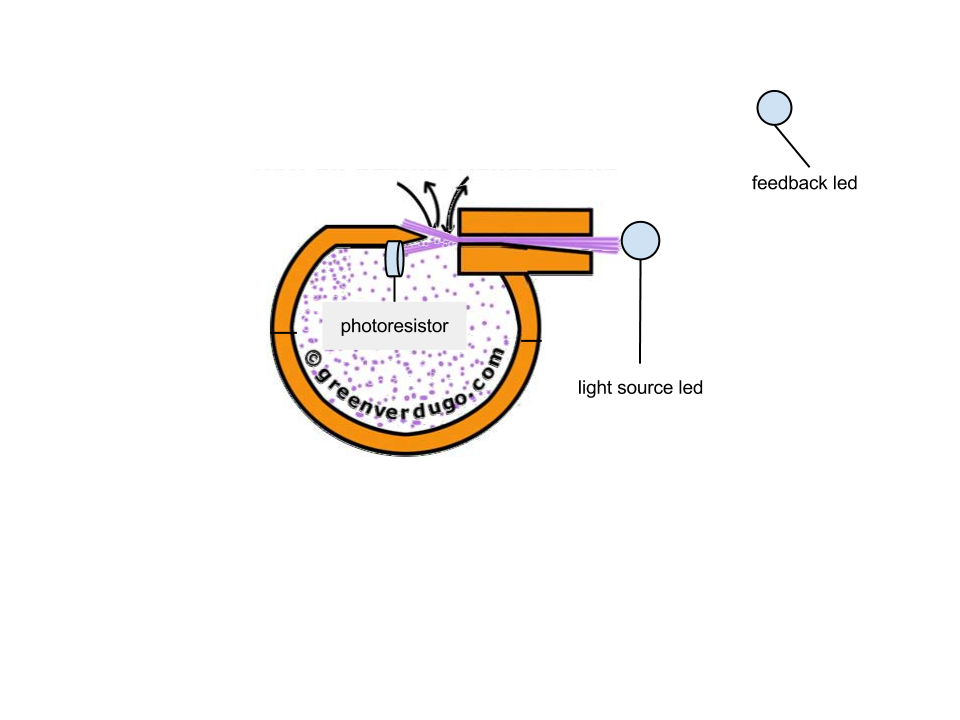
If I were to move completely away from actually doing this, I would propose two plastic shells be used, one with a hole for a mouthpiece like part. This must be rectangular. The user would try to put the mouthpiece in alignment with the voicing wedge as perfectly as possible.


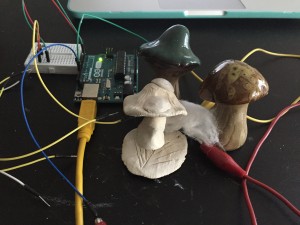
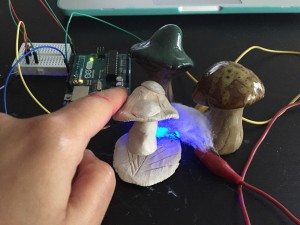
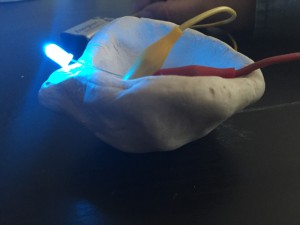
The user can test how good the connection is by putting the mouthpiece hole in front of an LED that is turned on. The light transmits through the hole to a photo resistor on the underside of the wedge that is calibrated for the room. The photoresistor will make a second LED brighter or darker based on the amount of light it receives.


Too much or too little light make the light go out (just like if it were the ocarina, it would make no sound). Because there’s not a definite “you did it right” feedback in the actual process, the led getting slightly brighter and softer is the perfect analogy. A user can only tell if they’ve gotten it right by a subjective sense. It’s very obvious when it’s making sound, but whether the sound is getting better with each adjustment is a skill that takes a trained ear and many hours to determine.

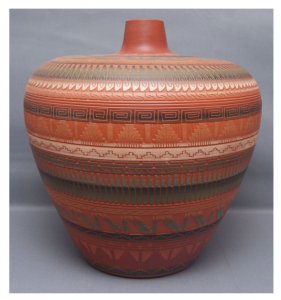
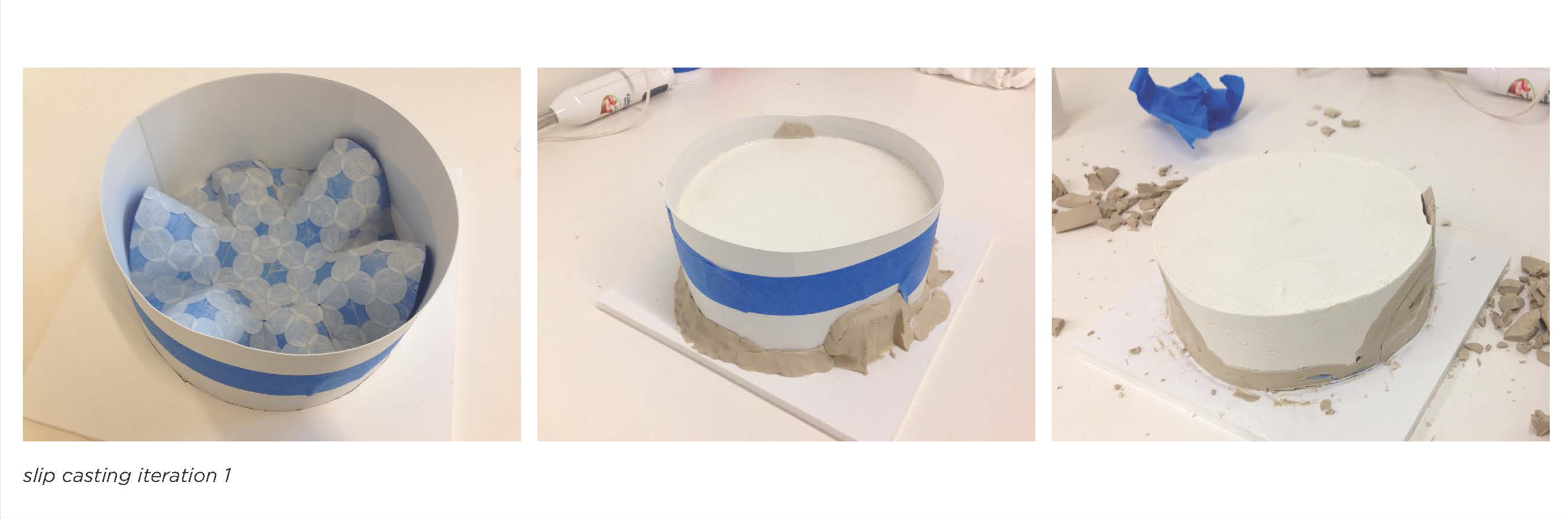
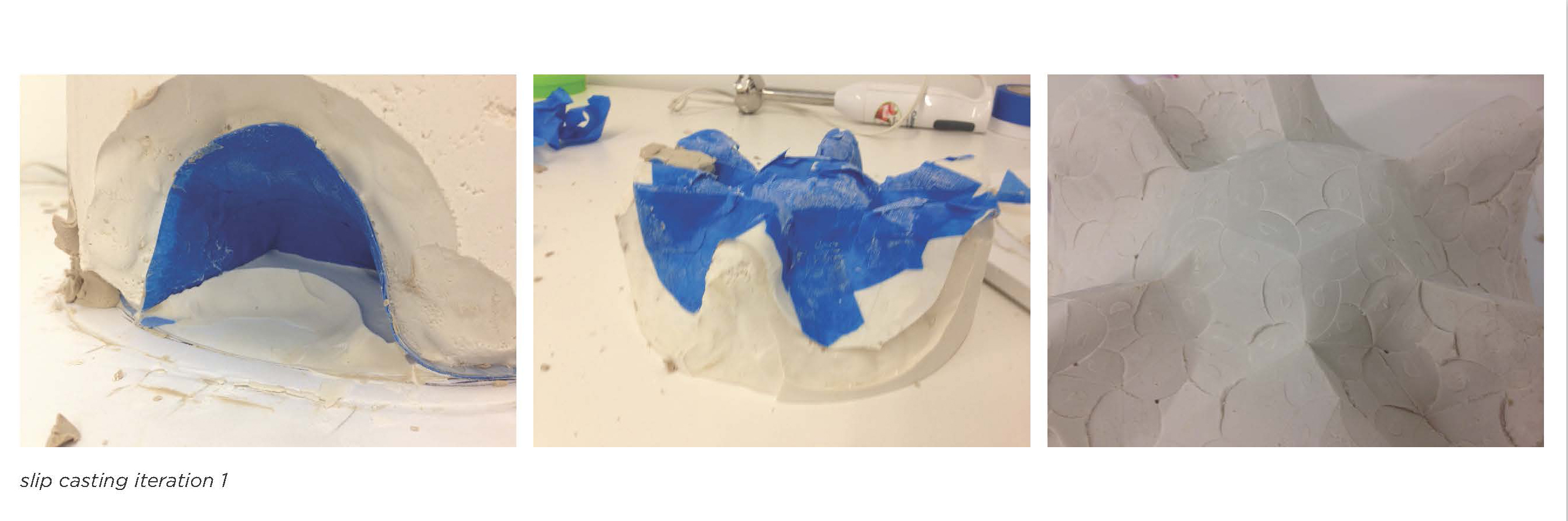
In clay

Monday, February 4th, 2013

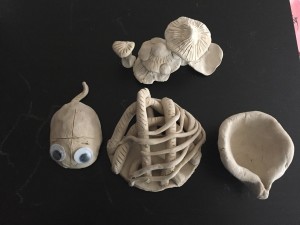
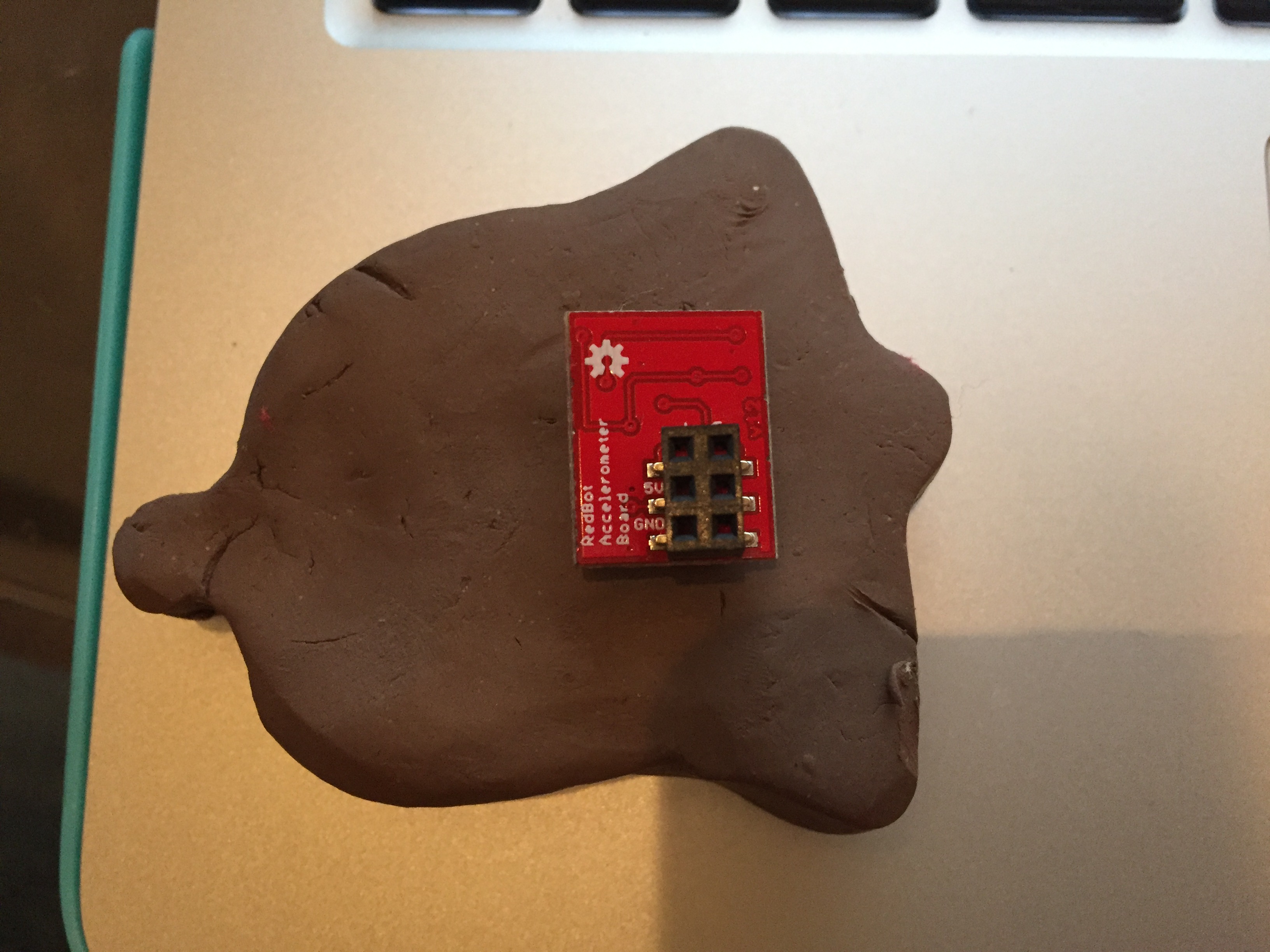
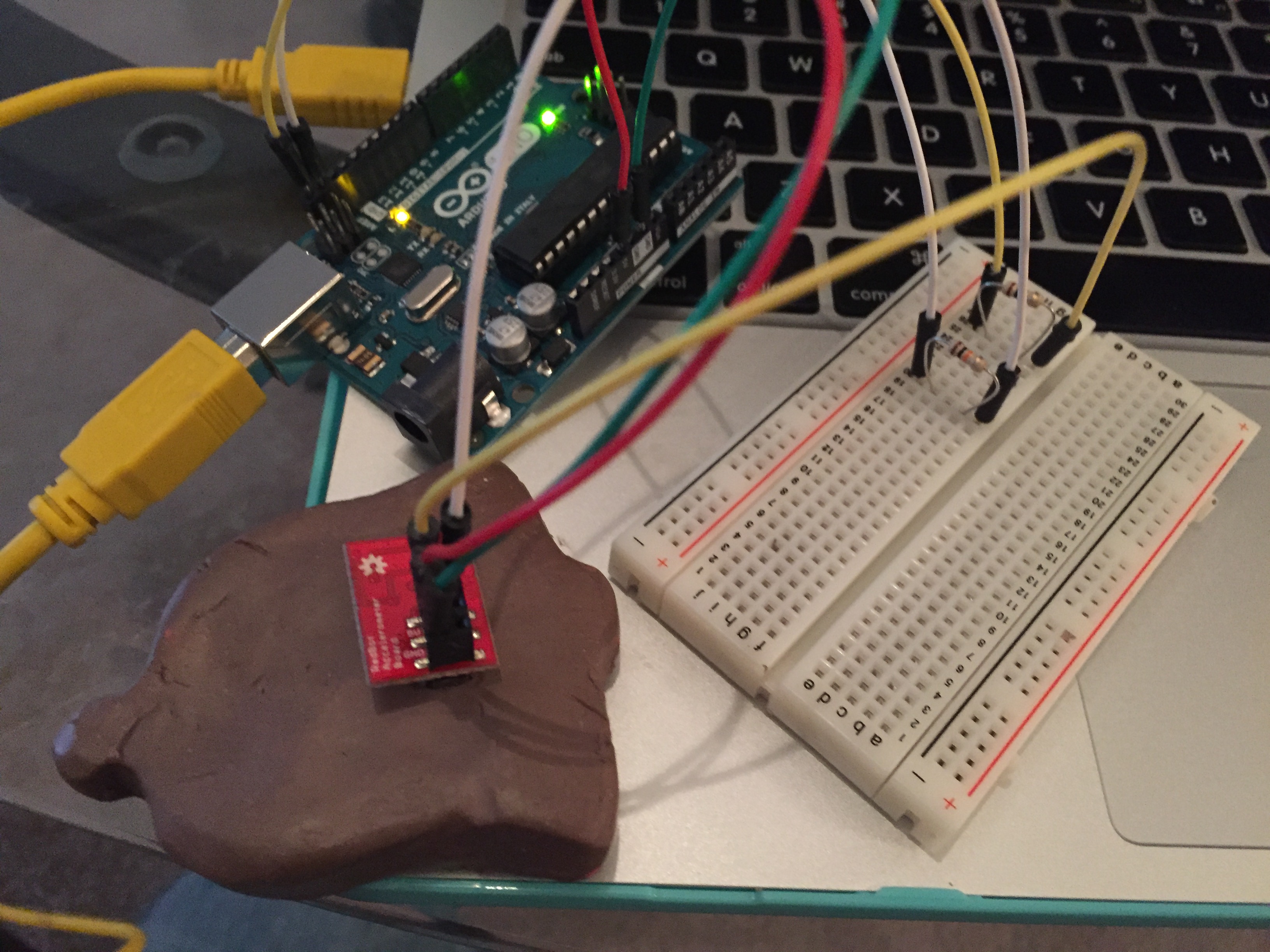
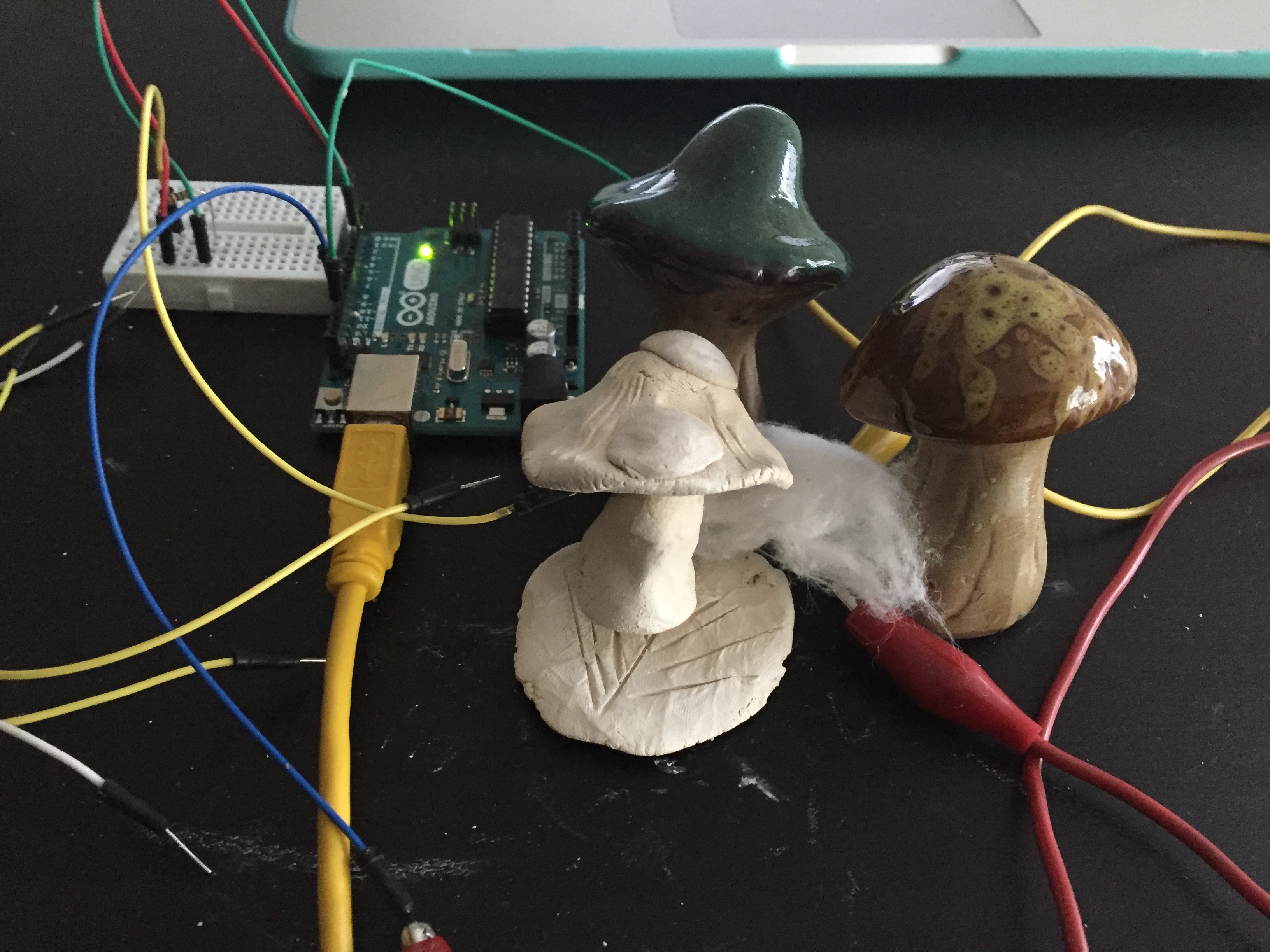
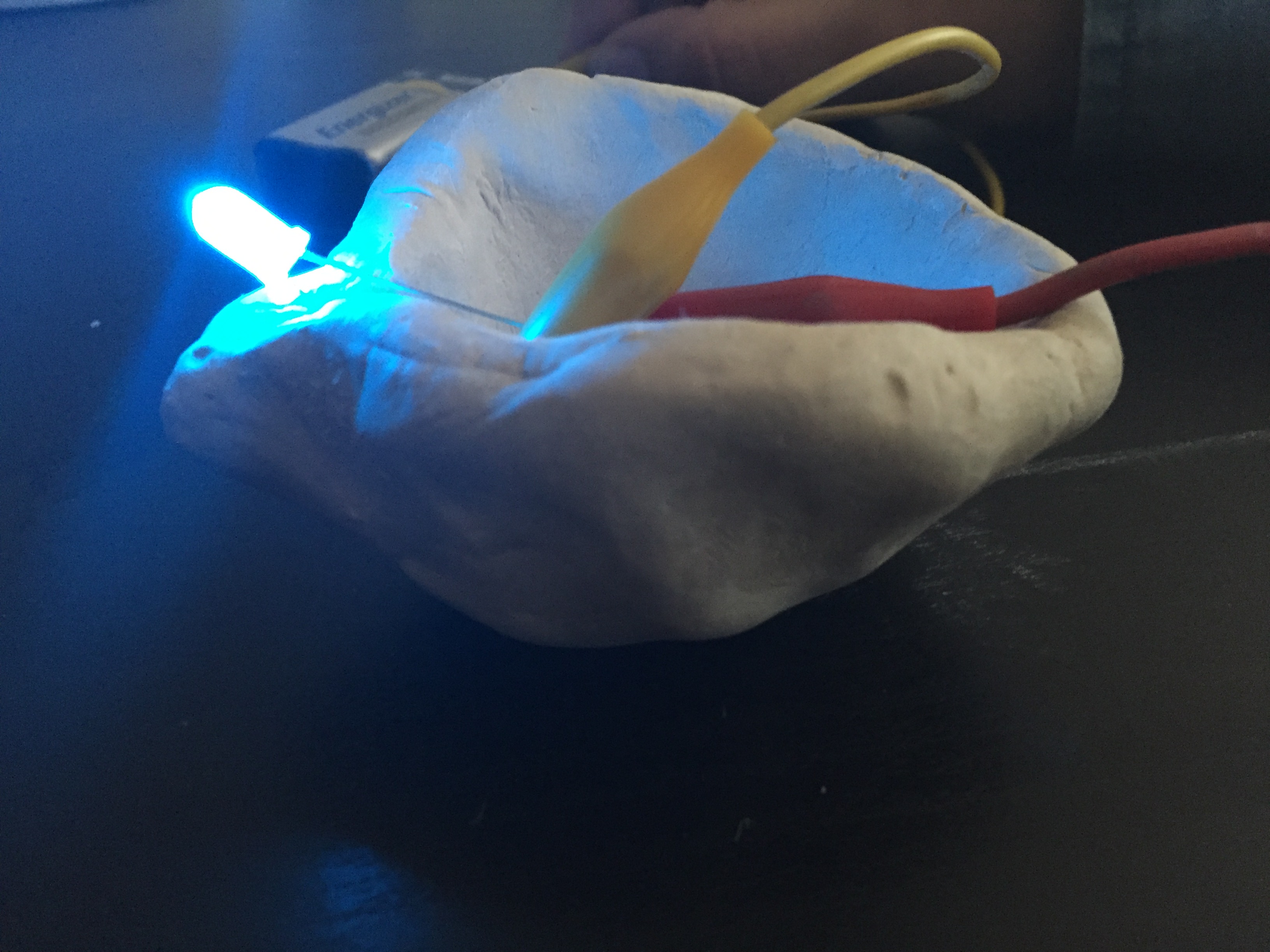
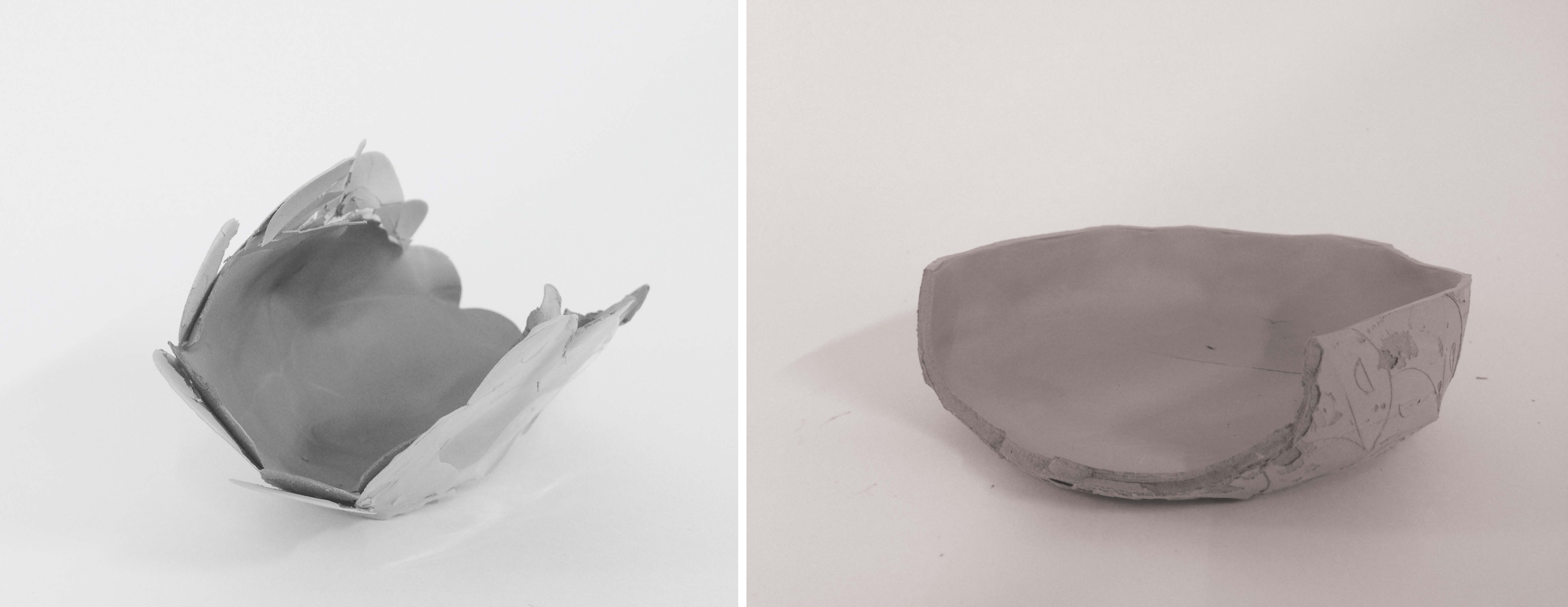
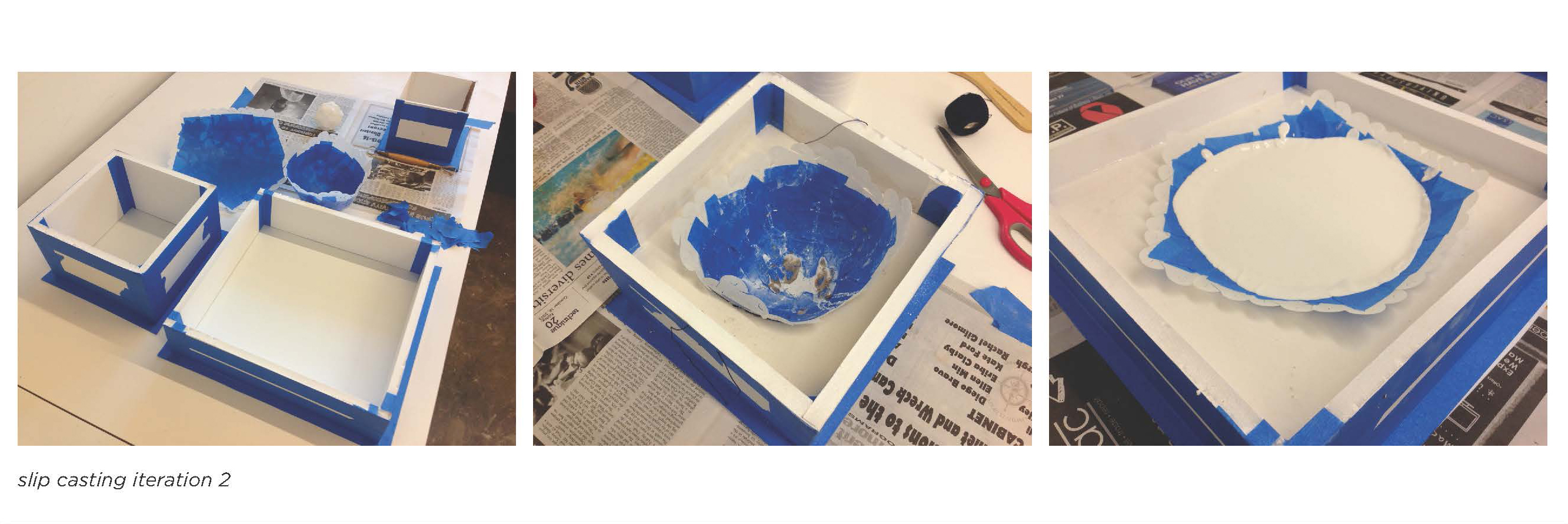
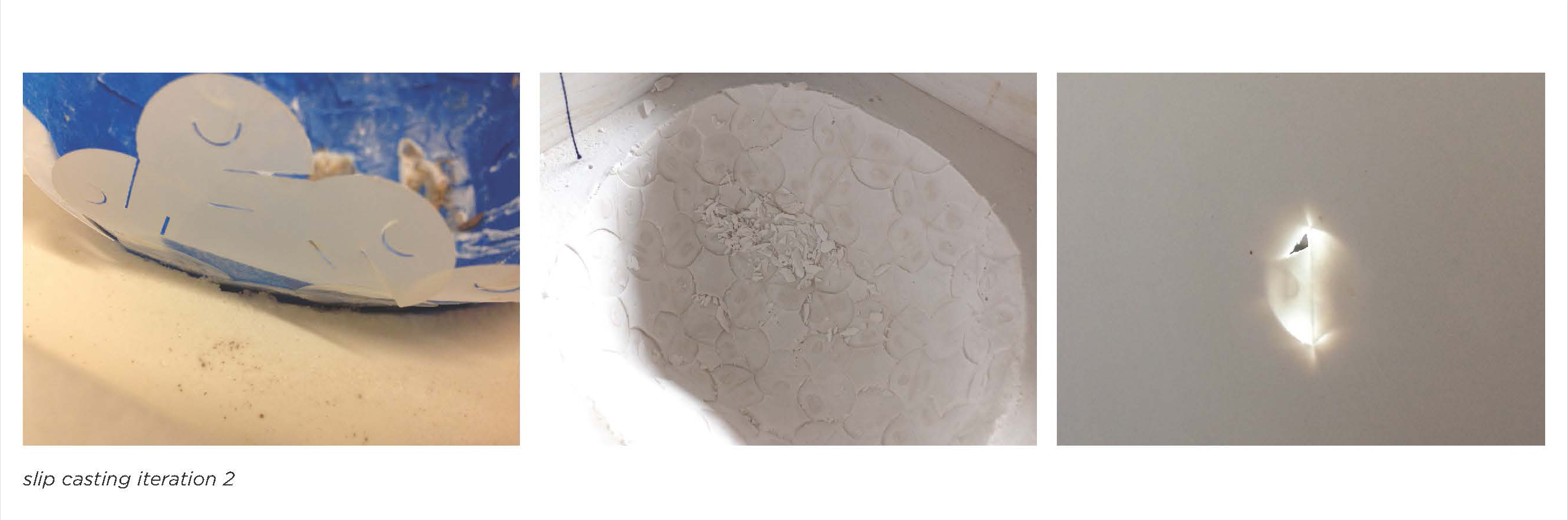
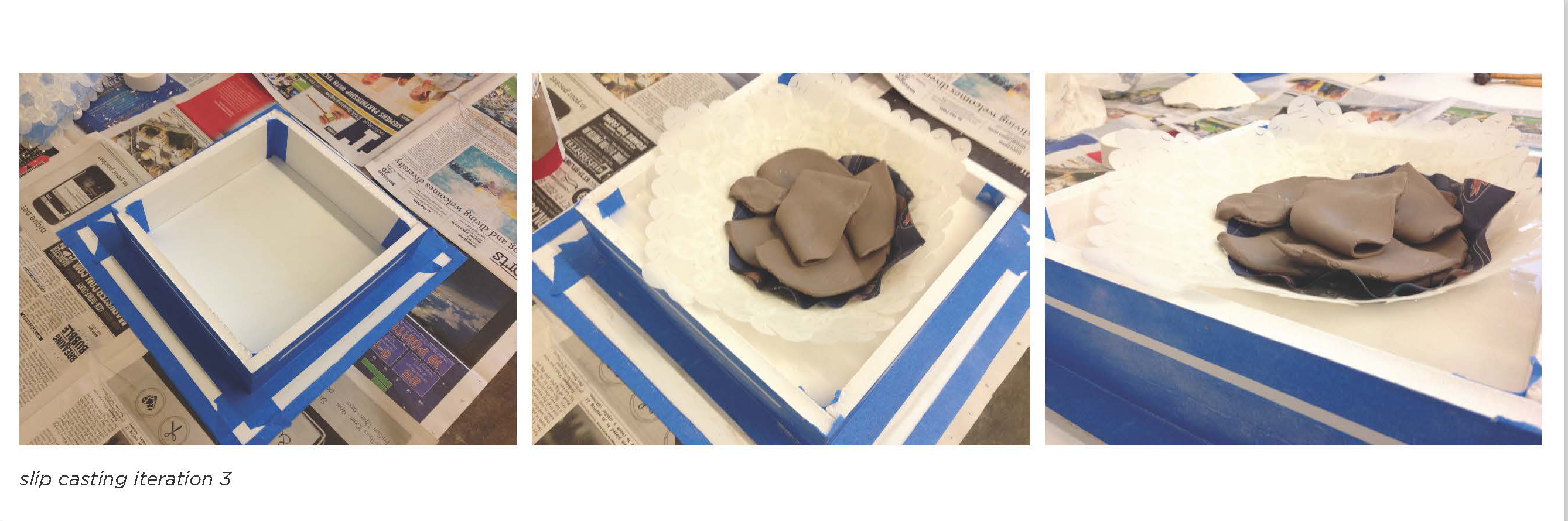
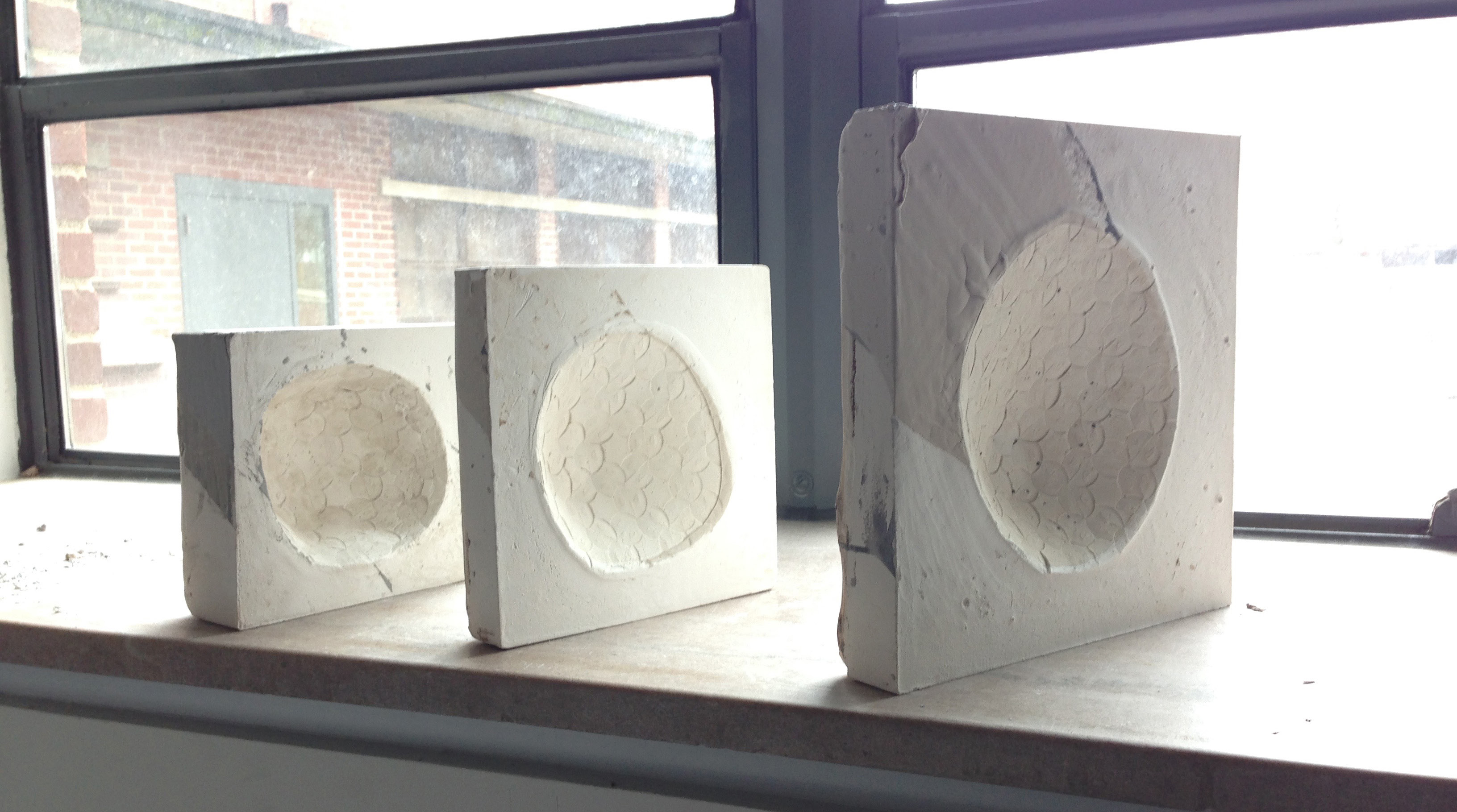
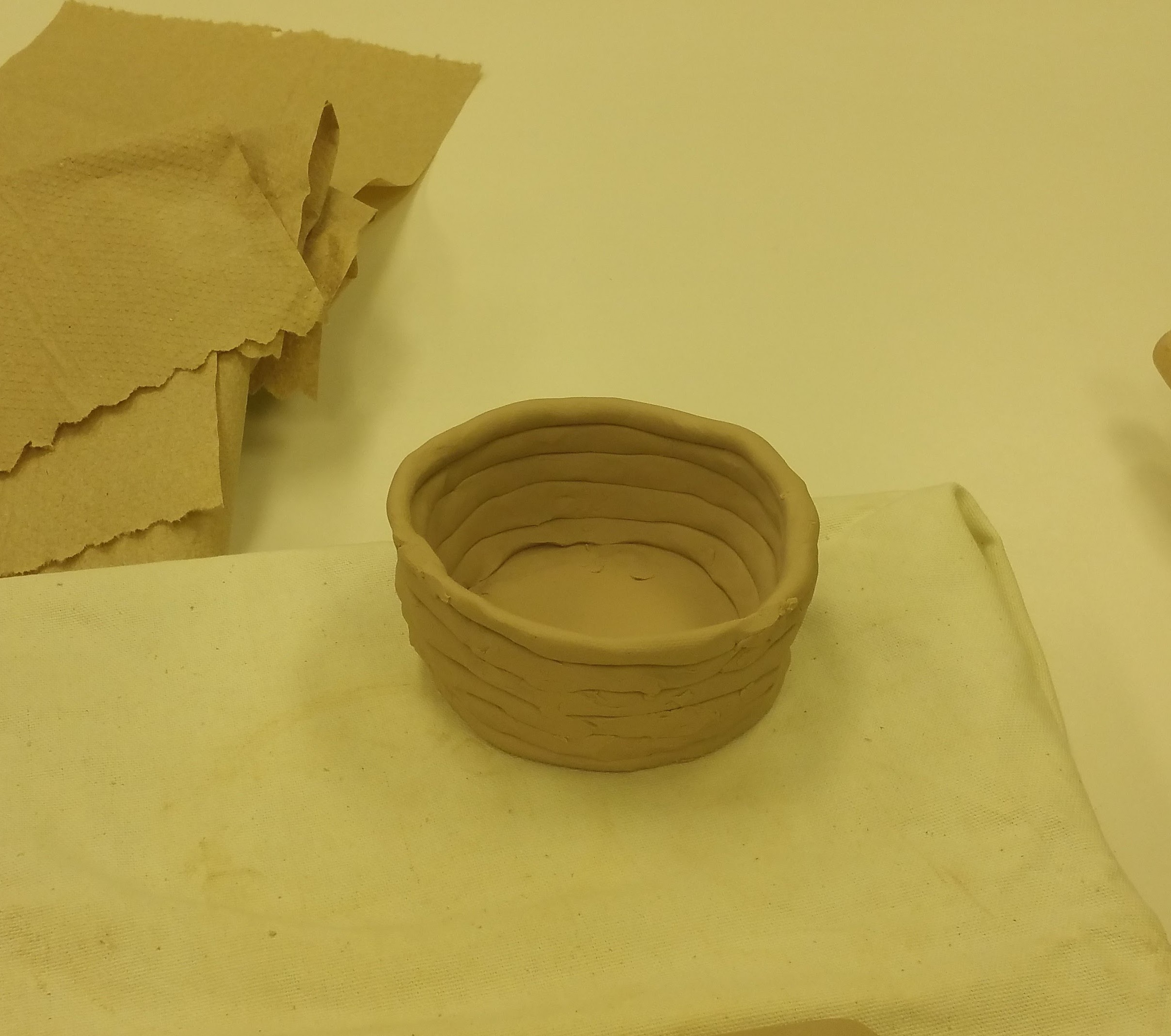
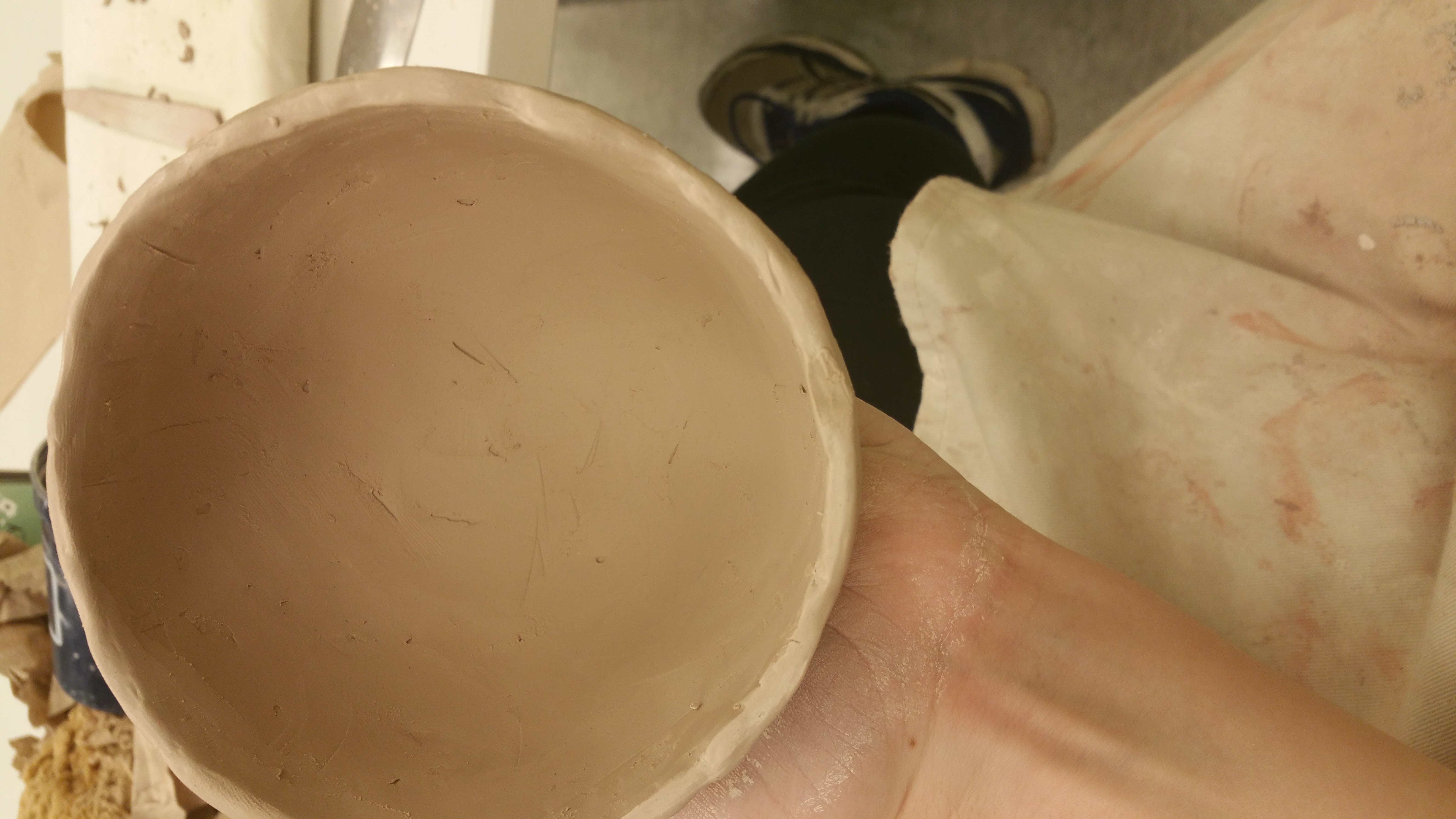
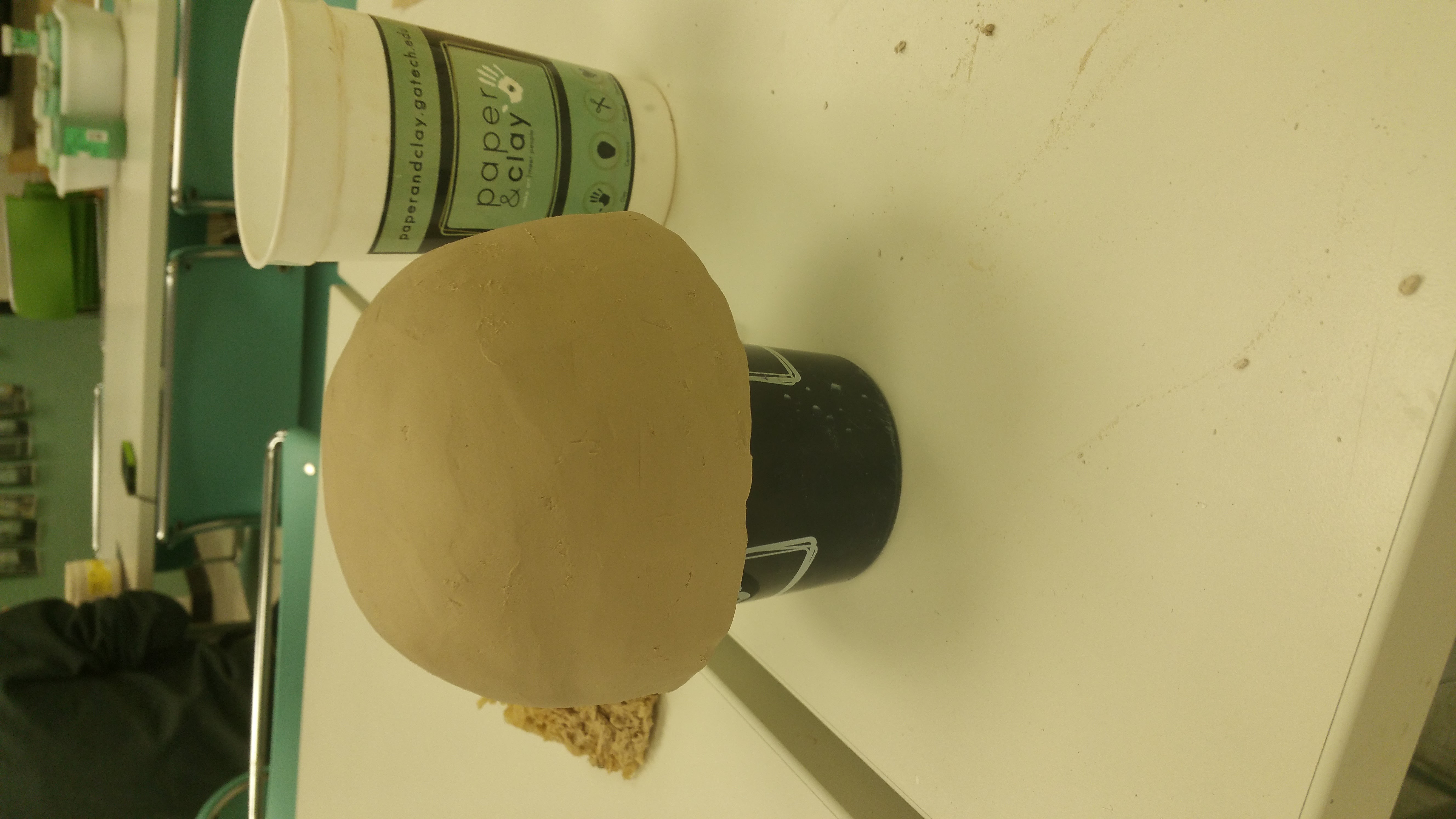
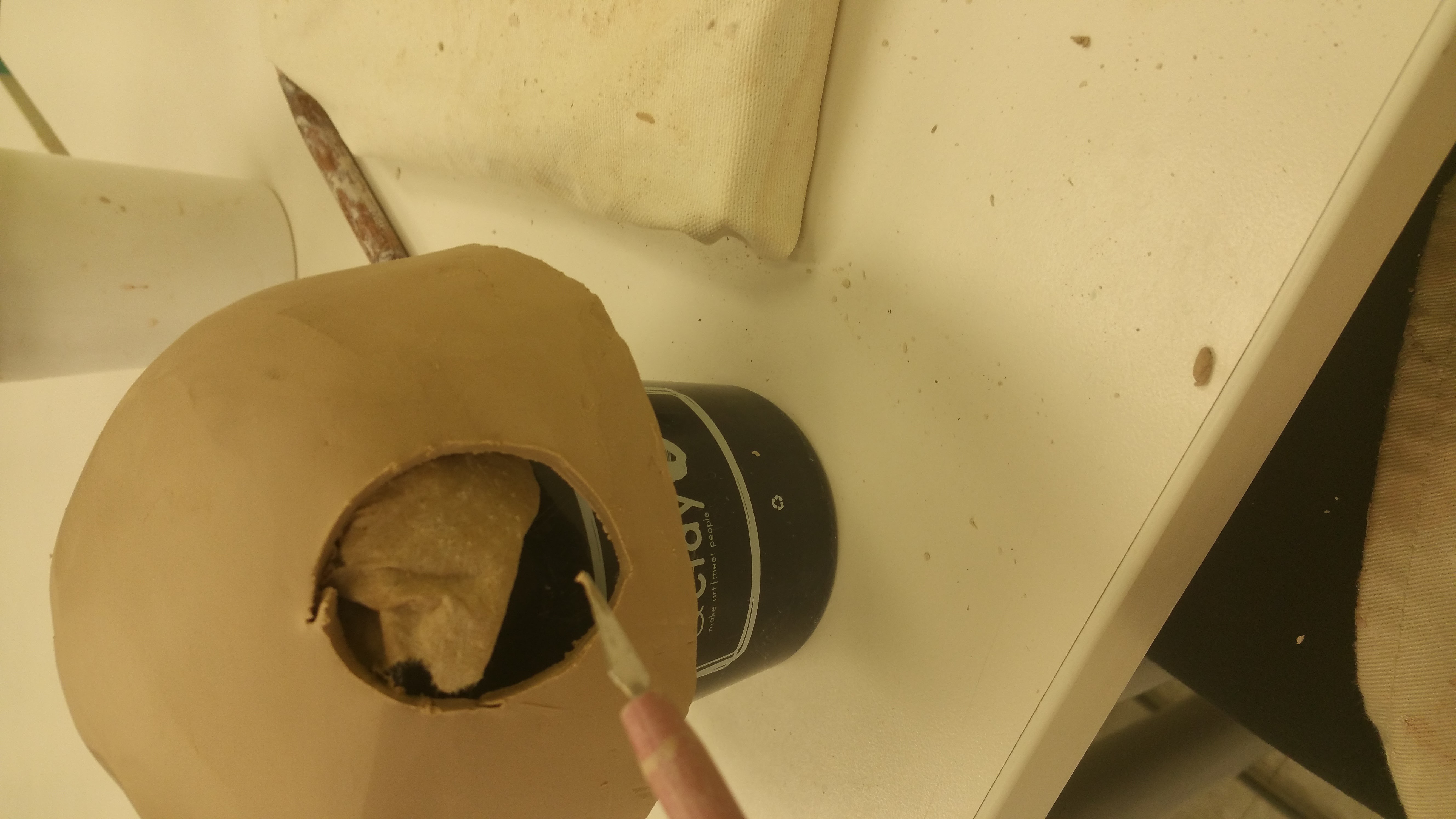
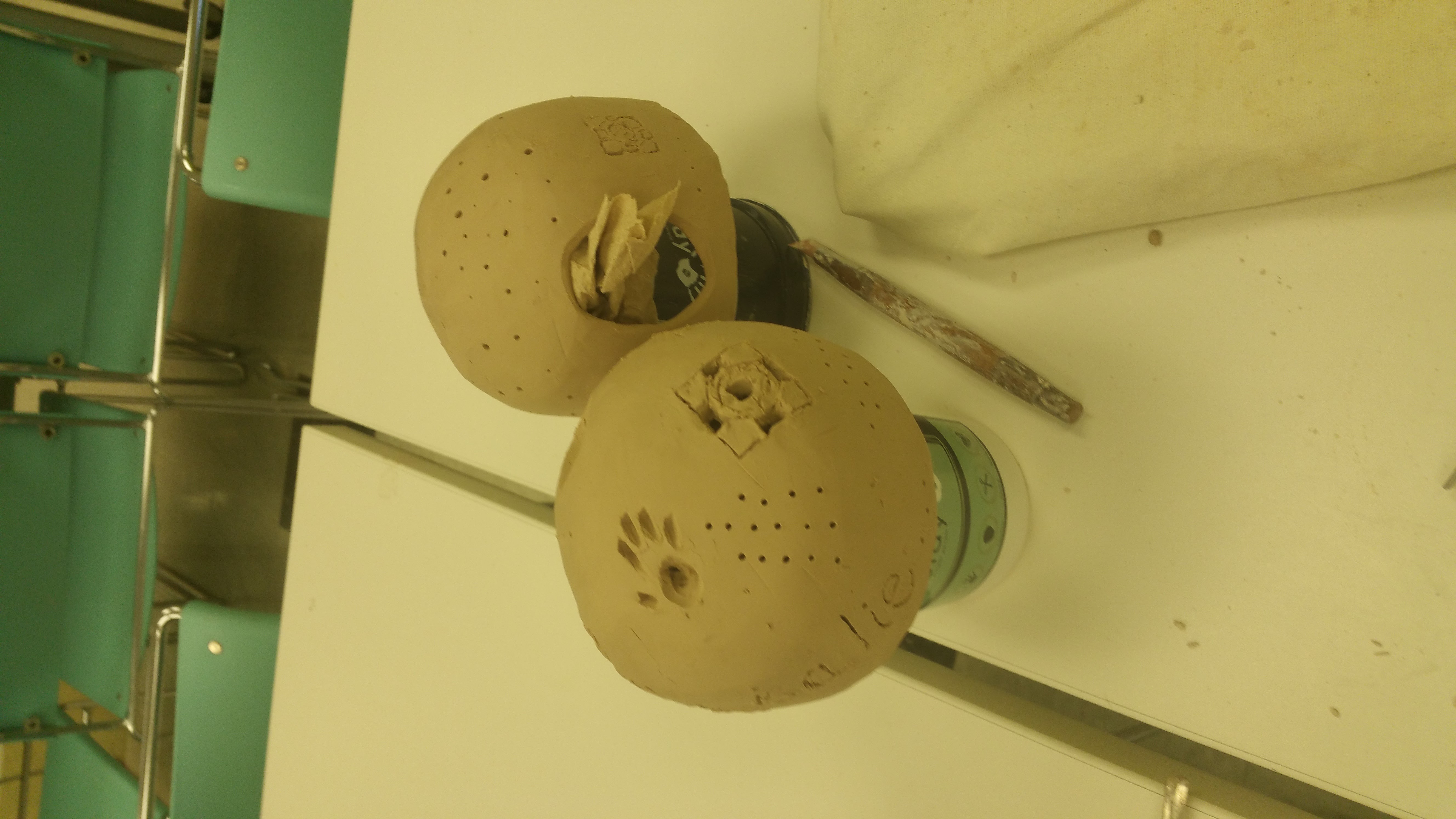
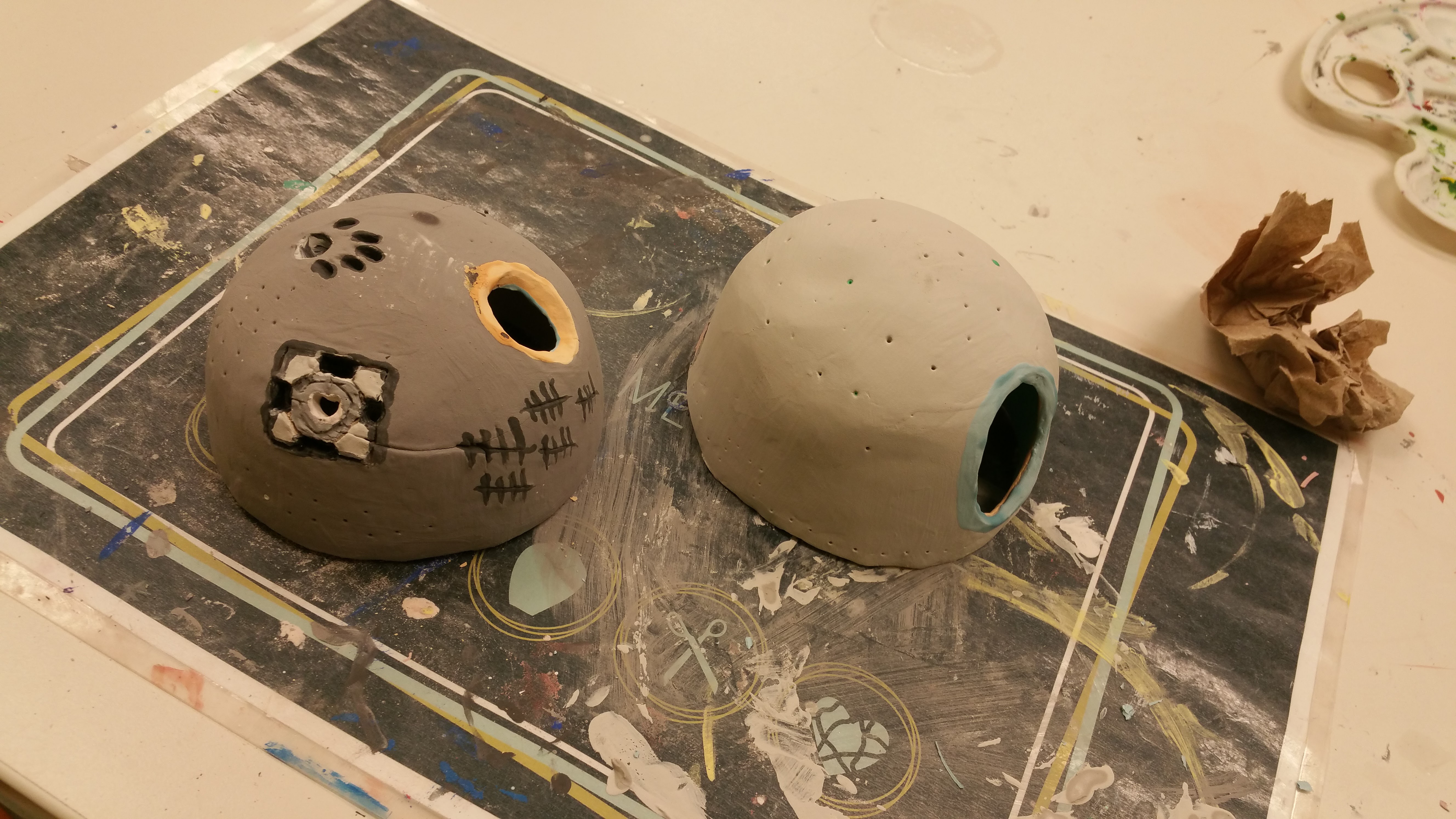
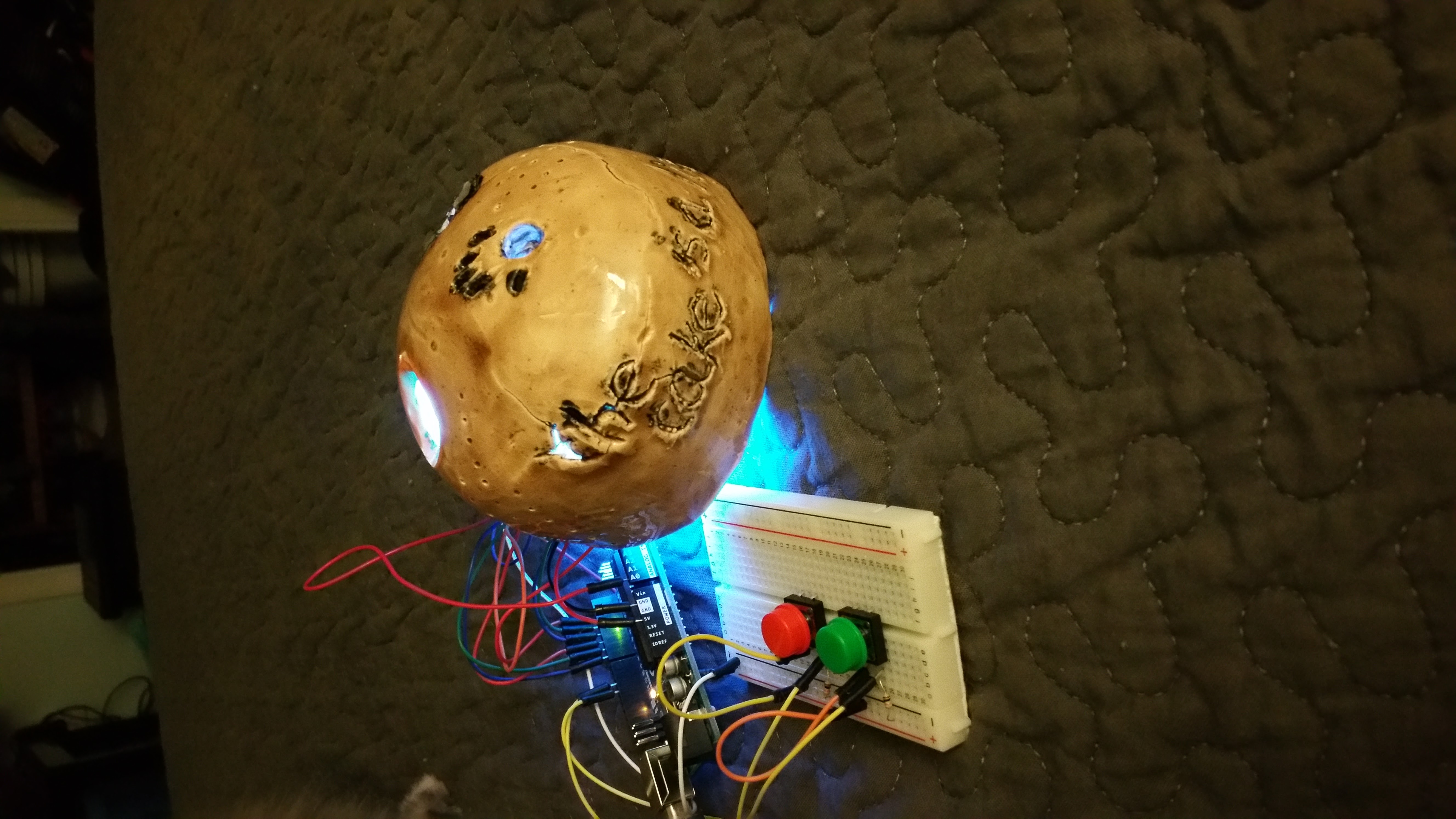
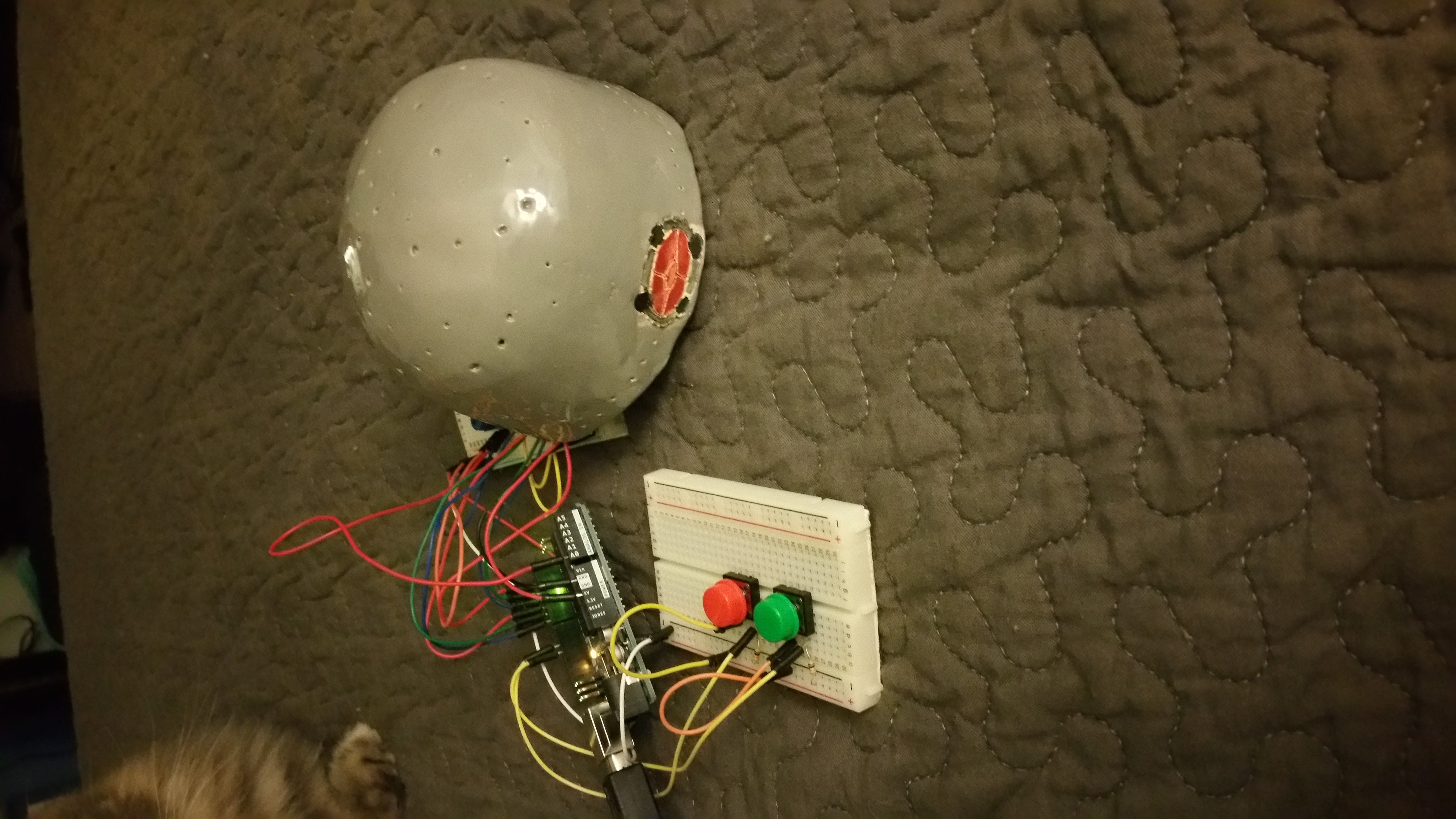
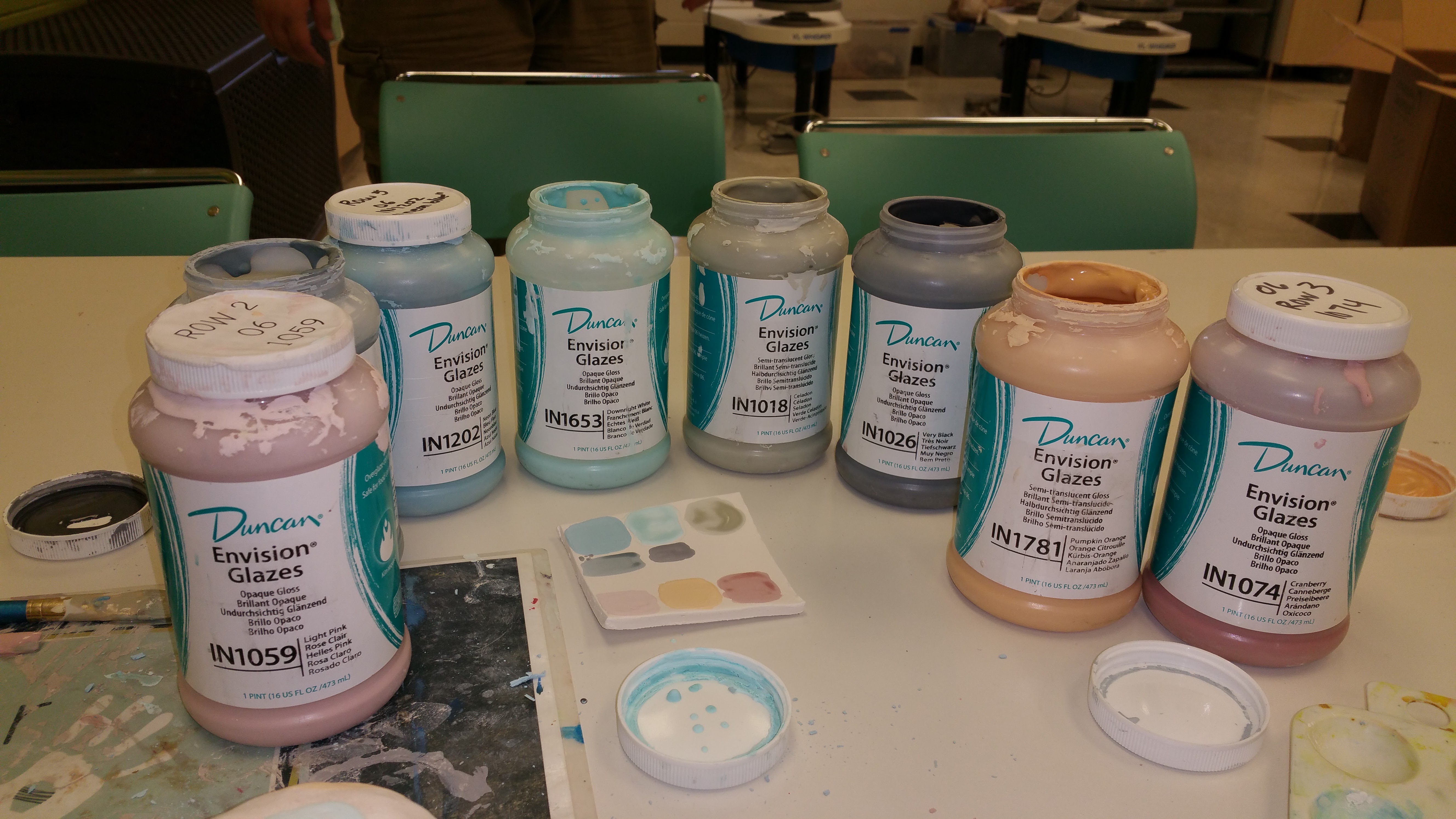
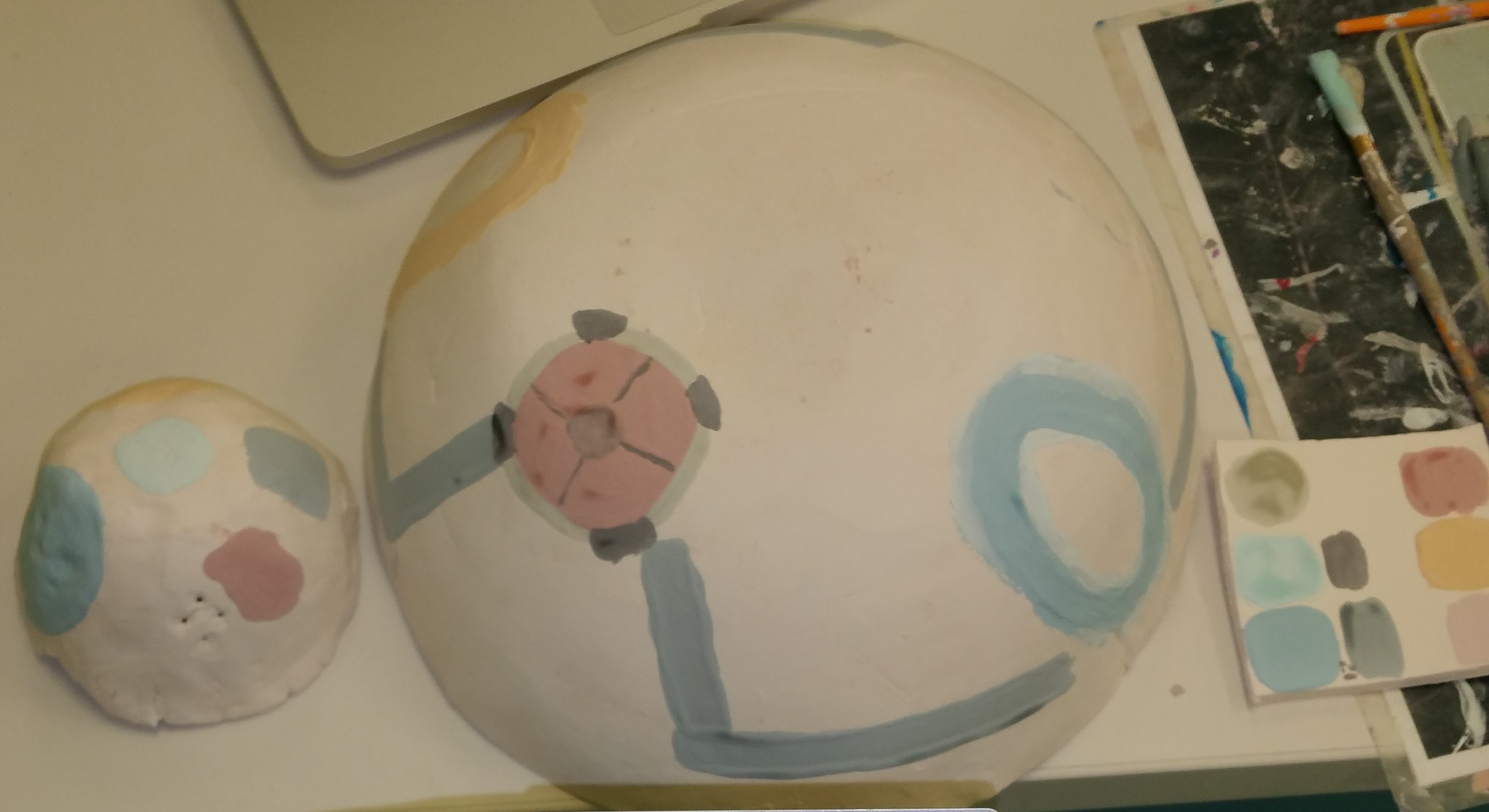
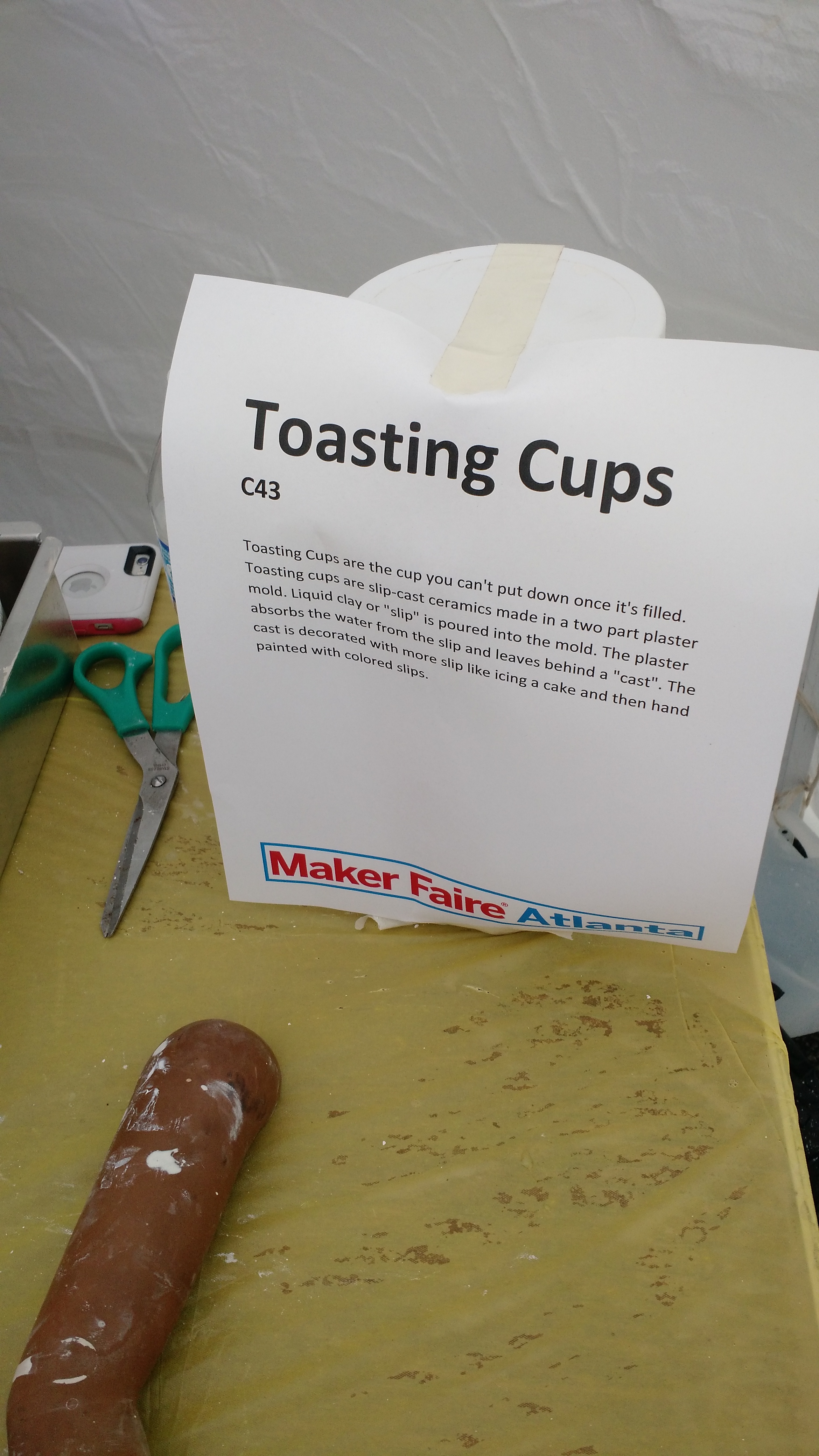
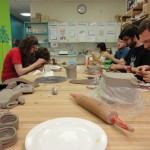
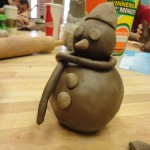
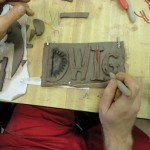
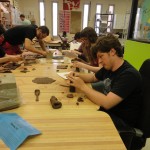
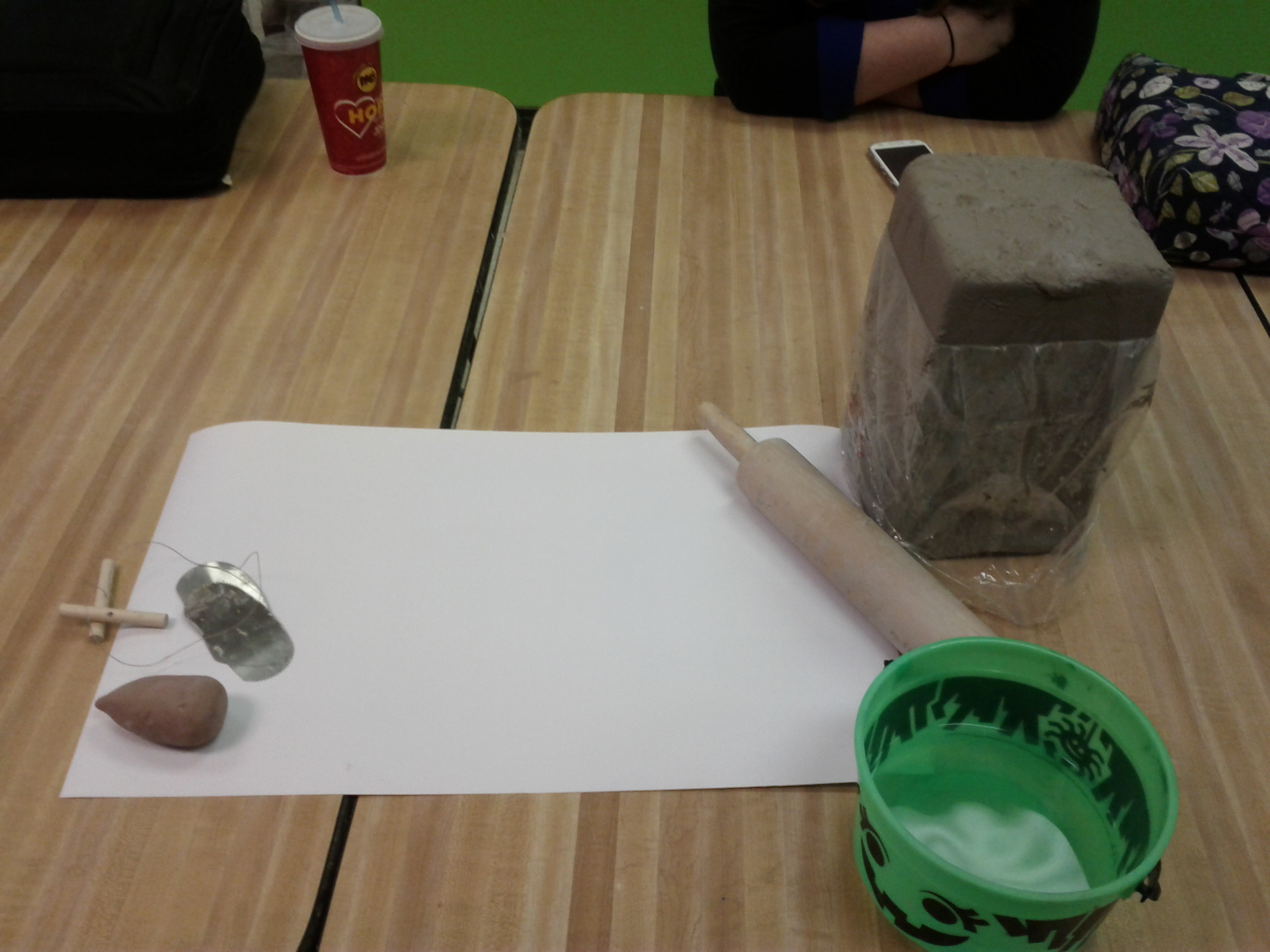
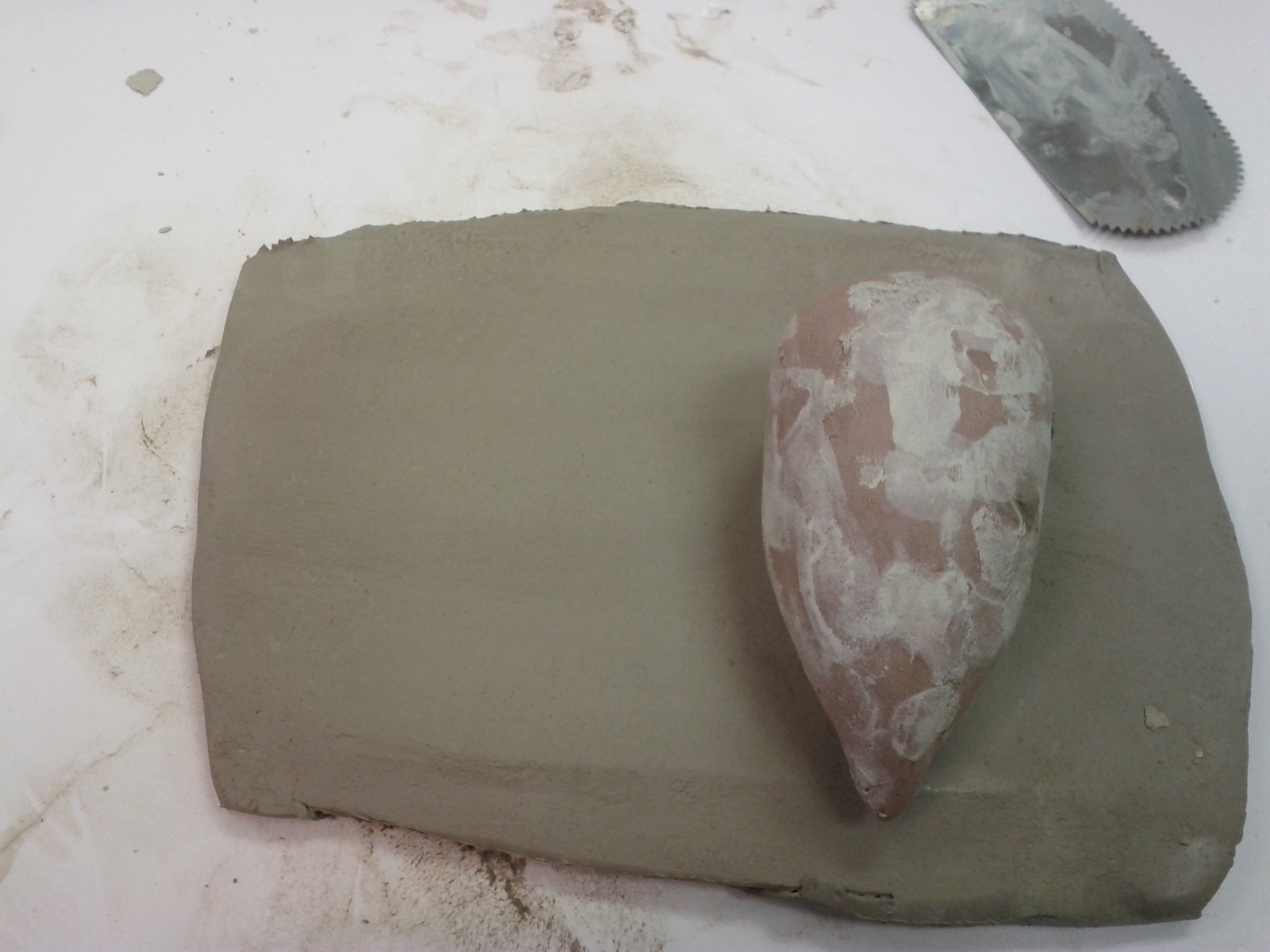
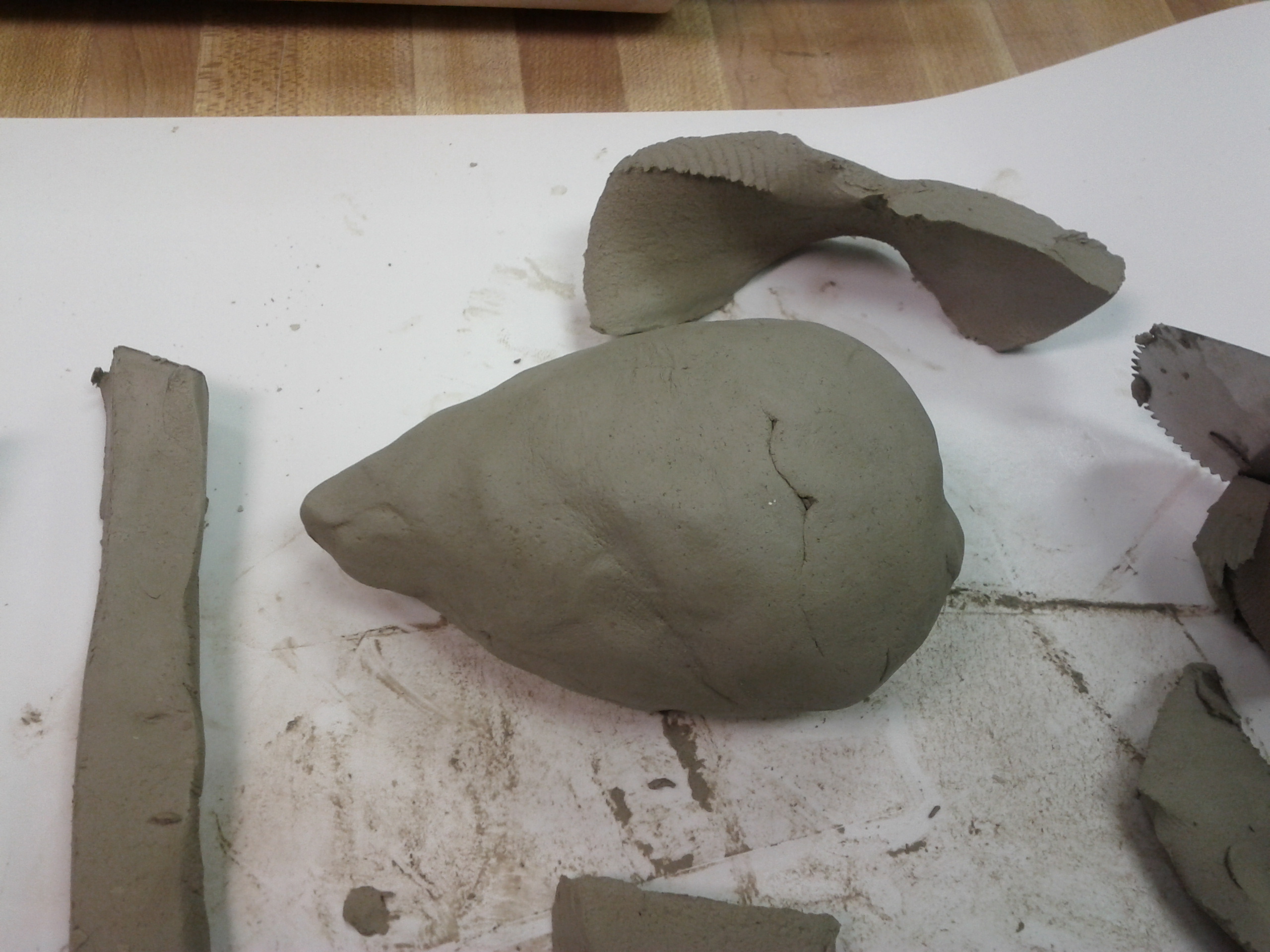
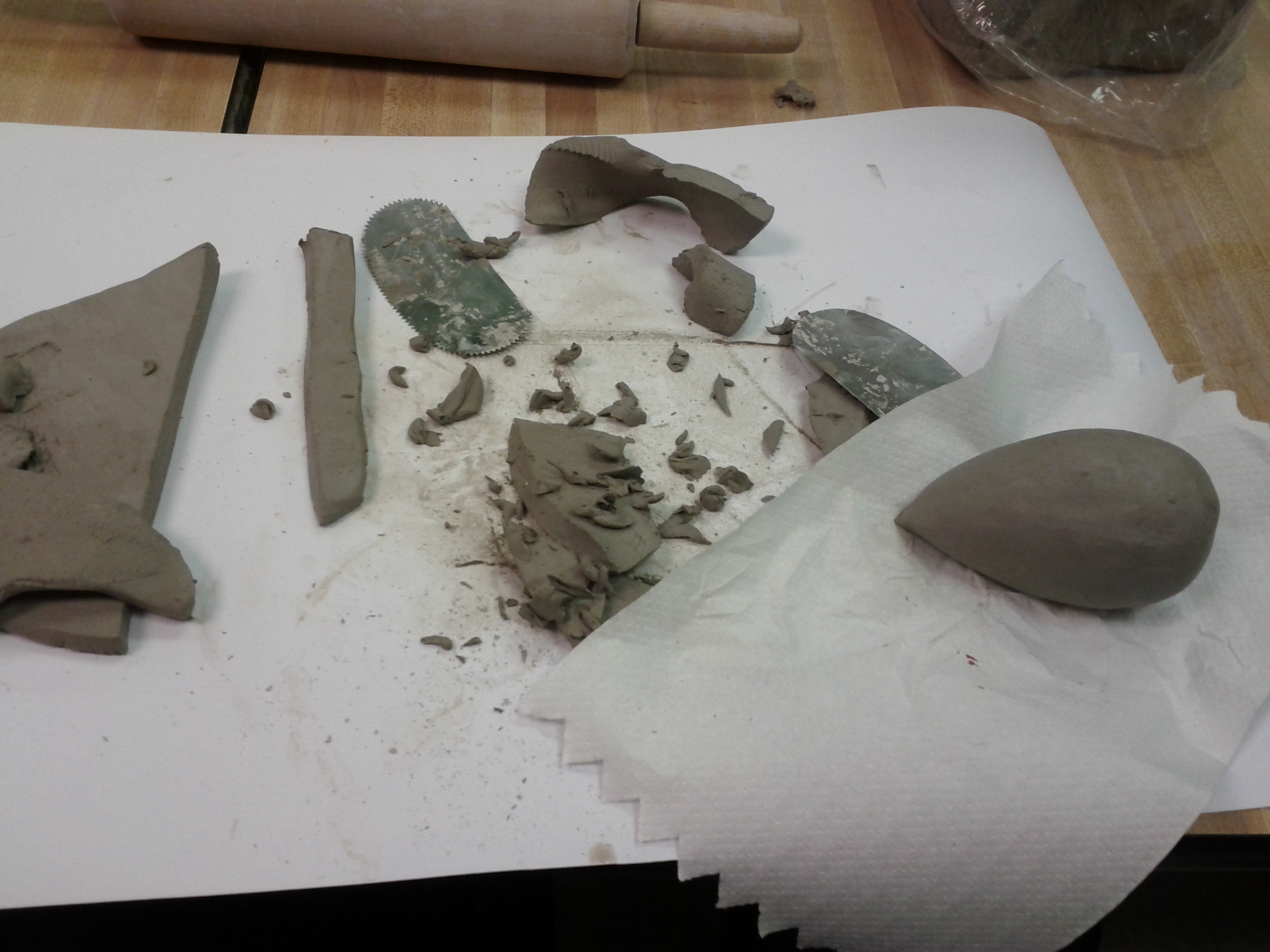
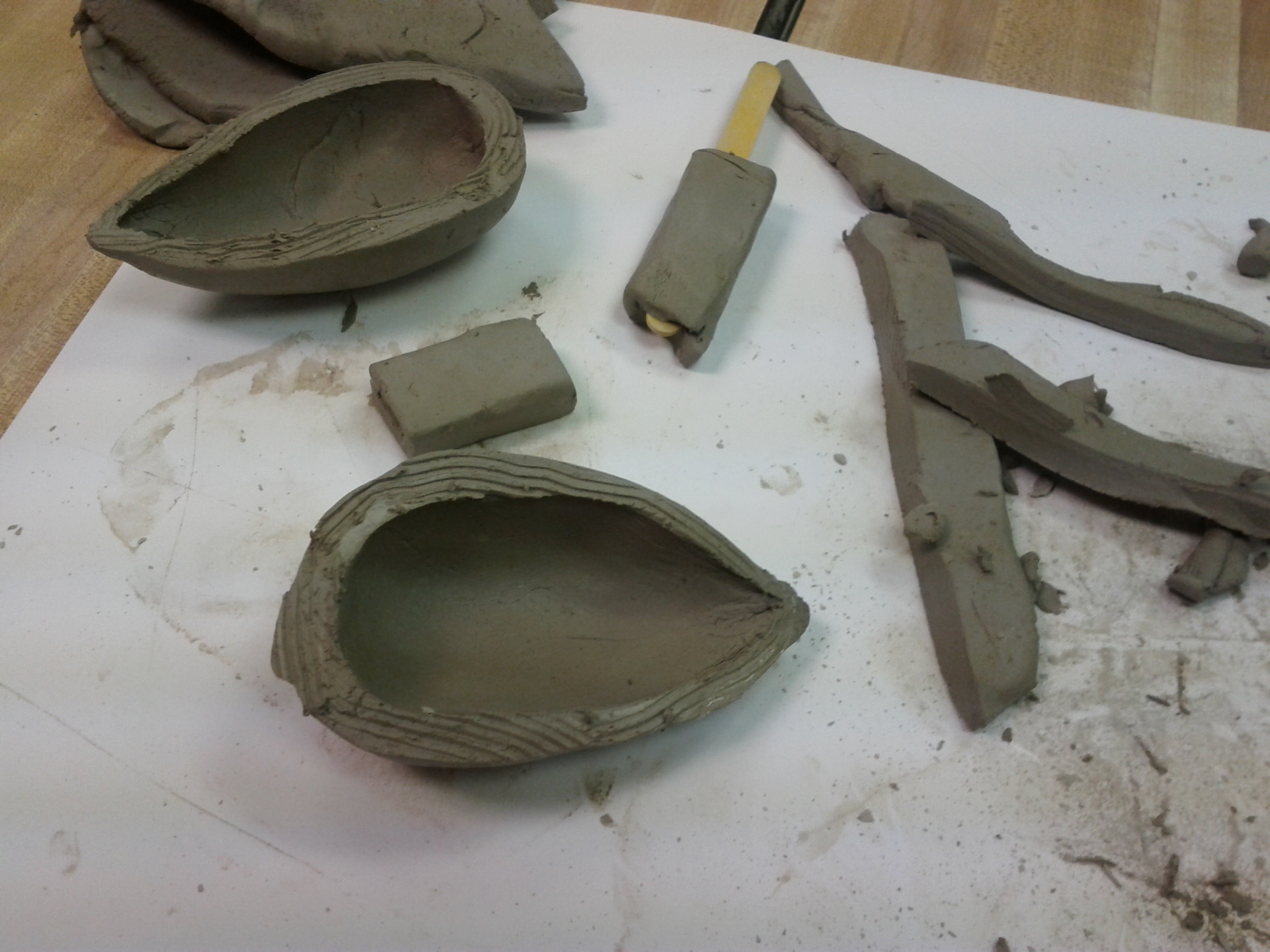
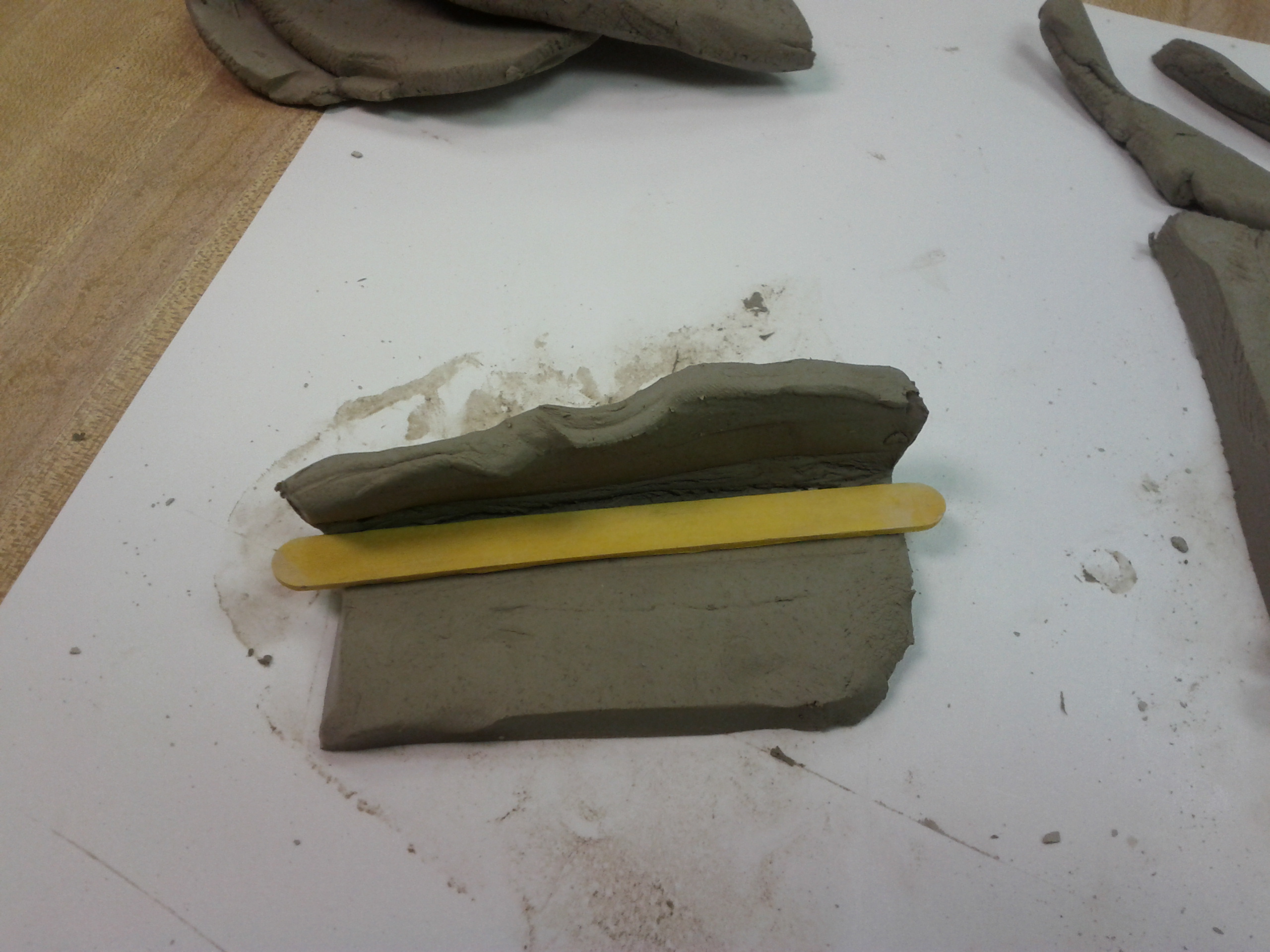
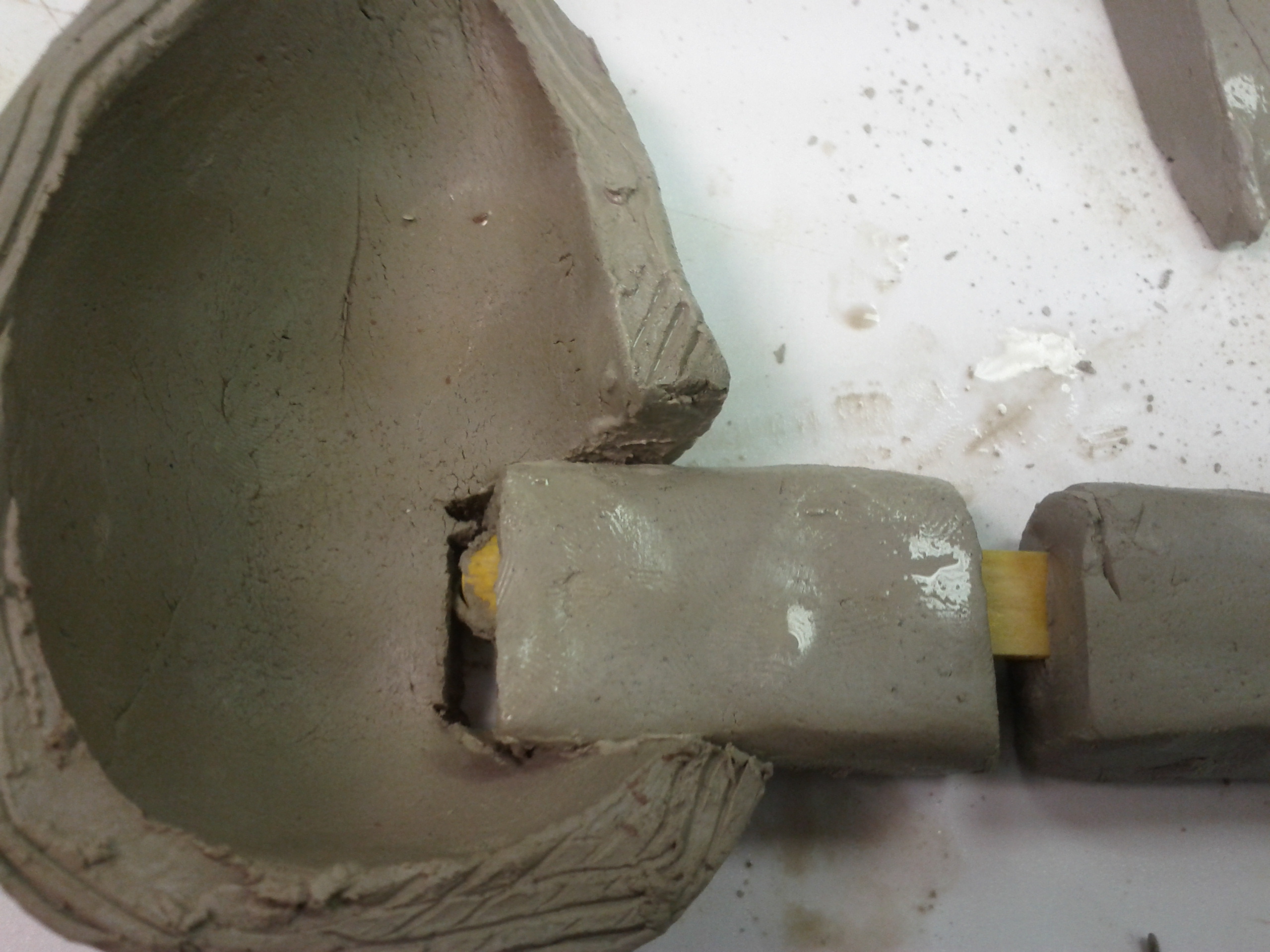
Today we finally played with some pottery at the craft center. And DWIG became the proud owner of its own storage shelf.

Third Challenge

Thursday, January 31st, 2013

Now that you have documented a practice as a logical action and planning breakdown we turn to the experiential parts of it. Look at the breakdown of the practice, identify a key moment that exemplifies the “feel” for this practice. It should answer the question of what is the most experience-based (including sensual, illogical, personal, joyful, painful) part of this practice? Design something that recreates the experiential quality of this moment.
It does not have to use the practice (e.g. if you want to describe the feeling of wood fibers you might do that with woolen threads) but should reflect the chosen key moment.

Analyzing the Processing of Screen Printing with a Stencil

Tuesday, January 29th, 2013

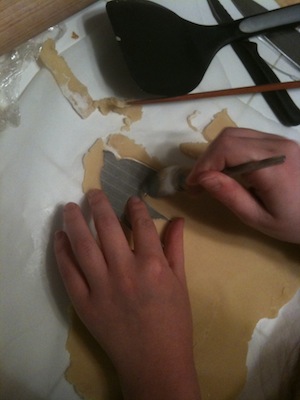
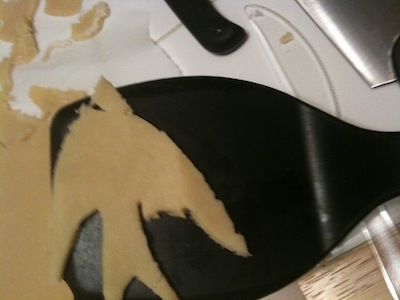
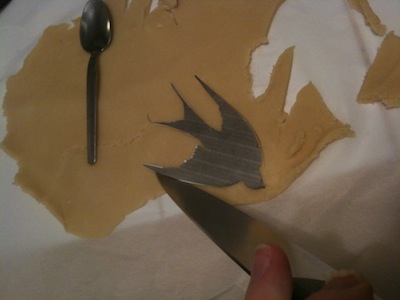
For a period of a few years in the mid-2000s, I made and sold craft clothing items. I wanted to learn about screen printing, but the need for emulsion and other chemicals seemed too complicated, so I started making my own stencils.

Cultural Considerations

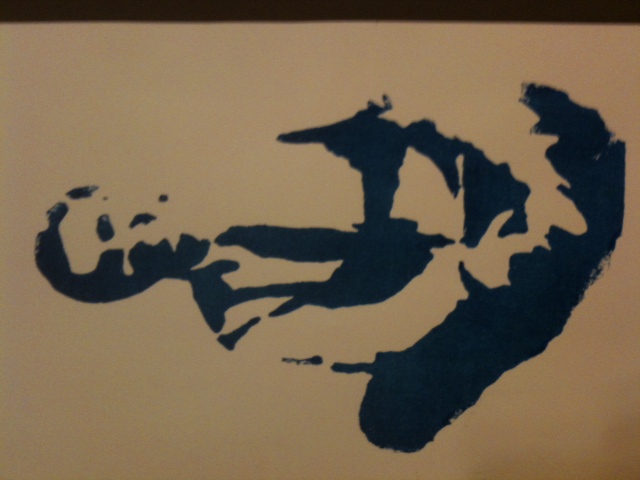
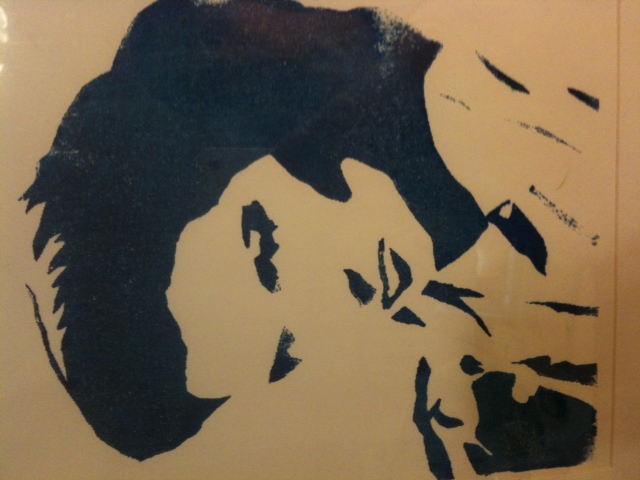
The look of stencils is usually a bit rougher and more “amateur”-looking than screen prints. There are also some connotations with homemade activist clothing (i.e. the ubiquitous Che Guevara shirts) and posters, as well as graffiti. It’s a craft for people who don’t want their final object to look clean and professional and who want the ability to make a series of prints.


Prior Knowledge

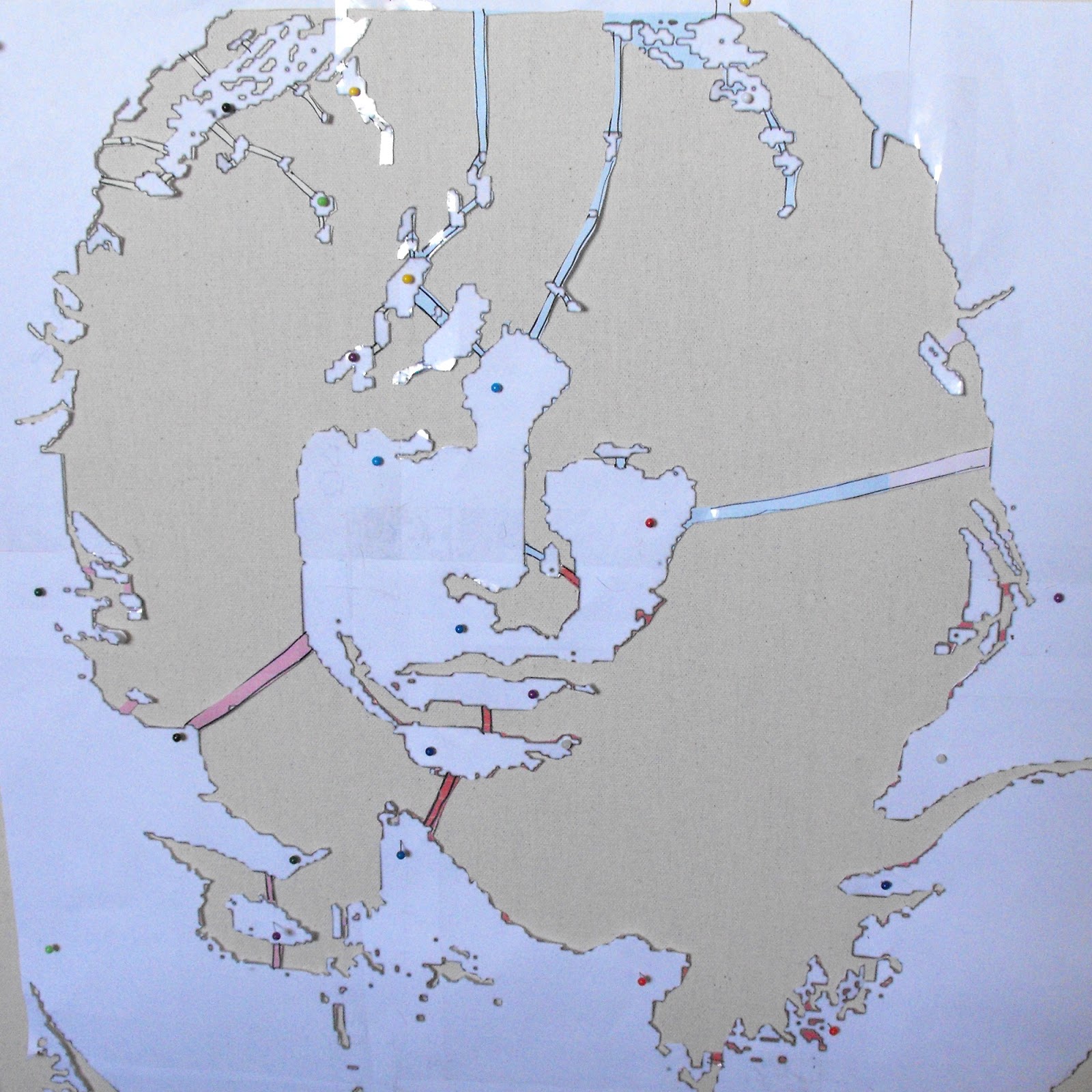
Although I learned the basics of screen printing in a high school art class, I taught myself how to make stencil prints by using internet tutorials and trial and error.  I’ve never personally seen another person perform this process. People new to this process will inevitably make errors when designing the stencil because all of your “negative” space must be connected (in each single color process). Because I’ve done this many times, I’ve learned to carefully analyze my design before I start cutting because repairs are difficult.


Goal/Need

Since I no longer sell my crafts, my current goal would be to make myself a print or clothing item. I could choose my subject based on my personal likes or to express an opinion. If I don’t have to sell a print, the standards will be a bit lower, as I am probably more accepting of imperfections and mistakes if I’m not charging money.

Umbrella Plan

Finances: Finances are rarely a consideration, since stenciling is a very inexpensive craft, costing only a few dollars per item.

Materials: Paint (varies based on what is being printed), plastic, a good Exacto knife. These are supplies I keep on hand and are easily obtained.

Skills: The most important skill in this process is the design (considering positive and negative space) and the ability to make fine cuts through the plastic with the knife. The paint application requires almost no skill.

Standards: Although my own standards are probably not as high as the “craft community,” I would still attempt to create something that looked good enough to post/share online. Looking at the work of others and comments from the community would inform my perception of quality.

Begin crystallizing
Decisions: There isn’t a lot of room to change decisions once you start cutting, so the design process is critical.

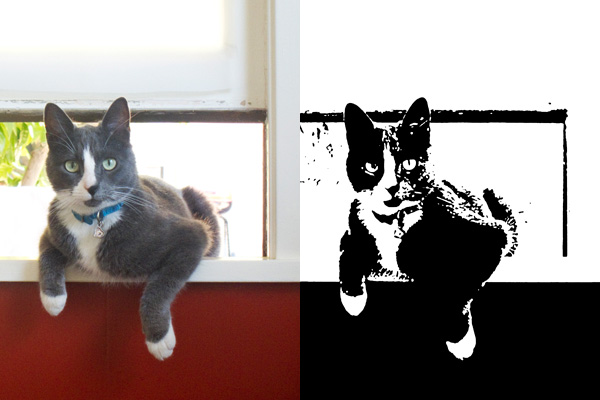
The first step is decide on an image that will lend itself to a high-contrast (black and white) conversion. Because of applications like Photoshop, it’s easy to test out different images. I need to analyze if there are “floating” negative spaces that I would need to connect in my stencil. If I’ve chosen a good image and made the necessary alterations, the stenciling process will be much easier.

Next, I print my image and begin cutting out the black areas with my knife. This part of the process requires the most manual dexterity, but not much decision-making. I’ll need to make decisions if I’ve made a mistake in the design process (or if I’ve made a mistake with the knife). If there’s a “floating” area that I’ve missed or a weak connection, I’ll need to figure out and attempt a fix. I might need to start over with the design process.

Evaluations:

There are usually two points of evaluation:

1. After the image has been printed (does it look right in black/white contrast? Is it still identifiable? Will it be too difficult to cut?)
2. After I’ve applied paint and removed the stencil. This is the last step of the process, so if I’m not happy with the way it looks, I need to determine if it’s a design flaw, a poorly cut stencil (i.e. jagged edges), or the paint seeping under the stencil. In this case I would use the “academic standards” to determine whether I will need to start again (from the beginning or from a later step in the process).
Final analysis/thing

Once I’ve completed the process until I’ve “passed” the evaluation, I’ll have a stenciled item (and a stencil that can be used many more times).


Anti-Deskilling – Improved Electronic kit

Tuesday, January 29th, 2013

Google, Wikipedia, Instructables… We tend to use our computer as a magic oracle that knows everything. By doing so, we may tend to give
it too much trust, while loosing a part of our critical thinking, and passively accetping its all mighty knowledge.

I propose to redesign a random electronic kit, but pretty badly prepared : no instruction, missing resistors or too many of them. To
counterbalance these complications, I suggest a radical approach : to empower even more the computer. It knows the instructions to build
the kit, but you need to convince it you’re worthy enough to get the next instruction by showing your technical skills, their improvement
and by building your intuitive understanding of the materials you are using.

Various levels of complexity / difficulty / degree of interaction can be used depending on the user, its level, etc.

Set content

- A good part of the componenets required for the kit
- “Useless” extra components
- Prebuild arduino board for measuring resitance/capacitance/inductance
- Software

Technical implementation / Interaction description

The prebuild arduino board should be used as a cheap multimeter that can be interfaced with the custom software.
The custom software will first prompt the user with some clear instructions on how to start soldering the kit.

Quickly, the user will reach a point where a component needed is not present as if, or even worse, the computer wont ask for a precise
component, but instead will only give hints of what is needed : a bigger resistance, a smaller inductance … The user will have then to
“build” the component himself by assembling parts from the “useless” extra components, and use the arduino board to ask the computer if
he’s getting closer of what’s needed.

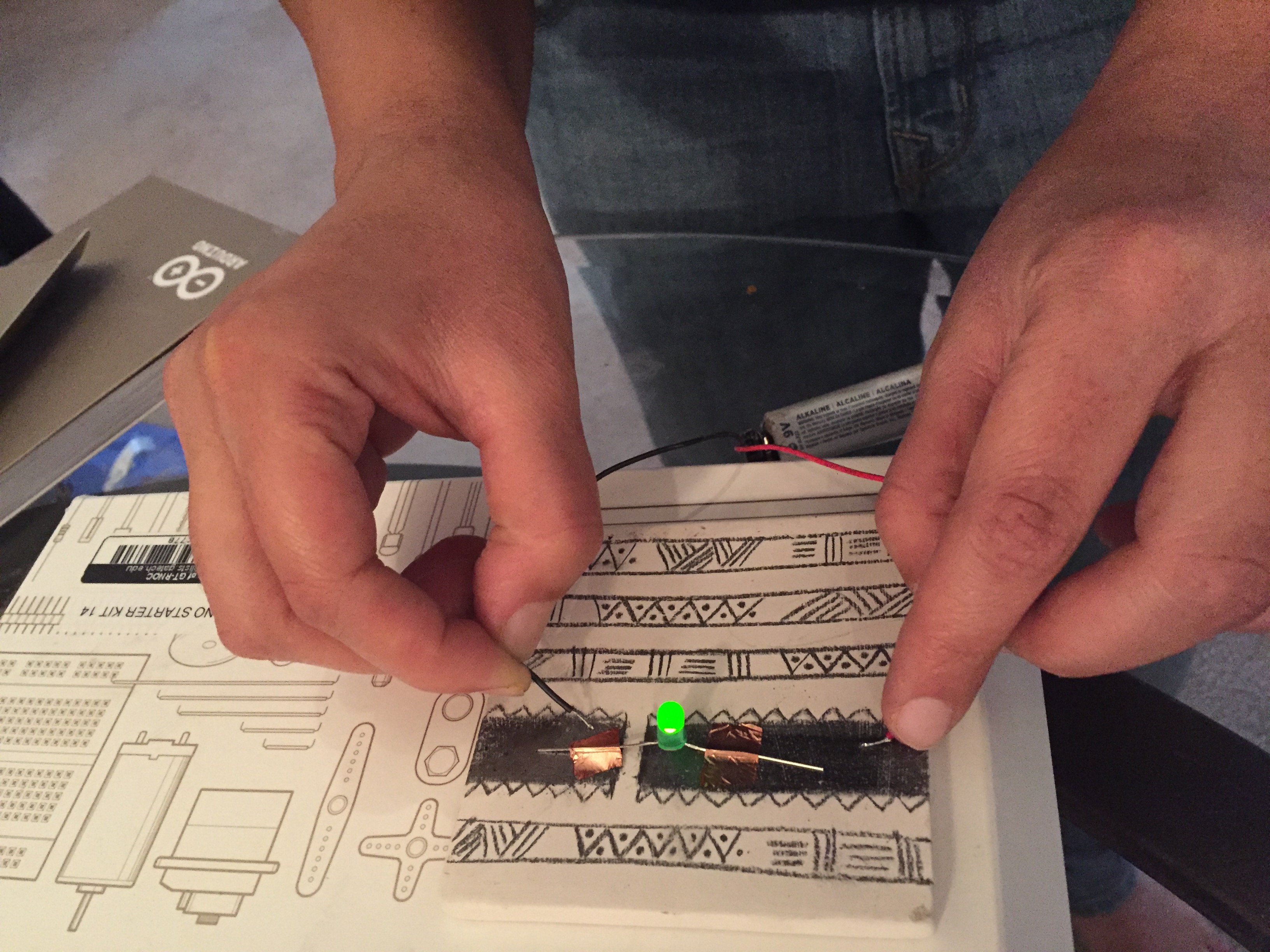
The user is free to use part from outside the kit to achieve the goal. He might try with everyday life objects : piece of copper,
graphite, conductive ink, aluminum.


Lovely drawing...

Anti-Deskilling - Sketch

Discussion

I can see a couple of interesting reasons of building the kit this way. First, the user will gain an intuitive and informal knowledge of
the material he can use. Not only he can assmemble new pieces in a creative way, but there is also a new learning curve, for using various
parts (electronic, or not) in an unconventional manner. This idea is closer to the intimate knowledge of the material used by the craftman
versus a cold and mathematical count of colorful stripes on a resistor.
There are other learning paths for the user who doesn’t want to follow blindly the all-mighty computer : you can either improve your
knowledge of the inner working of the kit you’re building, so that you break free from the instructions all-together, or on the opposite
side of the spectrum, improve your knowledge of the inner working of the arduino/softaware tool we propose, and defeat it by building a new
tool that would go through all the expected values and therefore to unlock all the instructions.

In any case, the user must be more creative than if he were following a classical instruction manual, and learn from this experience,
which was the intended goal of the kit.

Inspiration and possible examples

Interactivus Botanicus

http://blog.ocad.ca/wordpress/digf6b02-fw2011-01/2011/10/assignment-5-a-switch-made-out-of-pencil-and-paper/

Switch - Anne Stevens

Resistor Man - fleck_bucket


Sand Tones online as Instructable

Monday, January 28th, 2013

Here is the Instructable for last term’s Sand Tones project – now aptly titled Craft Cymatics.

Anti-Deskilling Quilting

Monday, January 28th, 2013

The purpose of this kit is to allow for maximum creative control, while using the affordances of computer software to aid in the design process. Making the top of a patchwork quilt with squares of fabric requires little sewing skill. Essentially, the quiltmaker simply sews a series of straight line to join each square in a row, and then join the rows together. For that reason, I have not made alterations to the actual construction process.

The real craft of making a patchwork quilt is the design process: selecting fabrics and creating a pattern (simple or complex) to complement the color and print. The pattern making process includes determining the sequence, size and shape of the fabric squares. For this reason, this kit would include more fabric squares (in a wide variety of colors and prints) than necessary. Since the creation of the pattern is what I consider to be the critical skill in quilting, it would not be provided to the user. Simple directions would be provided to explain the construction process, but not a specific sequence of squares.

The digital component in this kit is provided by a software program that assists the user in the creation and alteration of the pattern. The analog design method would be to use graph paper and colored pencils. It’s a fine method, but difficult to make changes, experiment, and get a good sense of the finished product with simple markings. With the computer, the quilter could scan or photograph fabric swatches, creating digital fabric squares that are true to life. The program could use algorithms to generate symmetrical designs based on several rows designed by the user. With a few simple clicks, multiple squares can be swapped and changed, making the design process much faster.


Sketches from Keller and Keller

Thursday, January 24th, 2013

Below our scribbles from the Keller and Keller text – to guide your practice analysis for next week:

Second challenge

Wednesday, January 23rd, 2013

Based on our breakdown of the Keller & Keller text.

Find one practice you feel comfortable with and analyze it using Keller&Keller. What are the actions? What is the actions’ “emergent quality” that evolves from the activity system you are looking at? What knowledge is applied and altered in the process? At what stage is an “umbrella plan” defined? On what grounds is that plan made? What are the ingredients of that plan?

I would suggest to use the outline and key words we discussed in class to guide your analysis. This is meant to let us develop the method which we will apply to our analysis of an existing craft practice in the foreseeable future. So if you find a problem in the Keller & Keller approach and can provide an improvement – by all means.

First 2013 challenge: Anti-deskilling

Wednesday, January 16th, 2013

Design challenge: This assignment builds on a combination of Dormer, Risatti, and McCullough. McCullough particularly calls for a “defense of skill” and Dormer (and others) discuss the difference between assembly and craft in a comparable way. Between following rules, which could be done by a machine, vs creative making, which depends on the personal investment and skill.
Your design challenge is in-between these poles: present a kit of prepared items and simple to follow rules toward a specific object, but (re)design this kit in such a way that one specific skill is not replaced by the materials and manuals at hand. Include a digital component in that kit.

Squishy Recognition for Performance and Sensing

Wednesday, October 17th, 2012

The Project that I would like to pitch for our midterm builds off my previous design challenge for the Sean Curran Dance Company. I want to suggest explorations of the Disney Research Touche system for applications beyond HCI gesture-detection. I wish to examine this technology in areas of human and animal performance and in conjunction with feedback systems from other technologies like computer vision or actuation. The proposal consists of three parts:

  • Building our own Touche system with Arduinos
  • Testing Touche directly with alternative applications
  • Experimenting with Touche feedback systems
The core activity of the class will be using the system to experiment and conduct many small performances.

Build a system

First we would build a couple of systems with the instructable about the Touche system: http://www.instructables.com/id/Singing-plant-Make-your-plant-sing-with-Arduino-/

Then we would thrash the system to determine its responsiveness, robustness, and noisyness. We would probably reimplment a lot of their gestural examples to see how it actually functions minus all the hype.

Alternate Applications

Once we have a better, tacit understand of how the device can work, we can try experimenting! Here are some suggestions I have thought of.

Feedback

It will be interesting to incorporate feedback into the system. This can be done directly, as with the proposed puppetry idea where actuators would manipulate a plant to make the Touche sensor recognize a particular gesture. It can also be indirectly, where a performative system (like a human or animal) recieves the feedback from the sensor (like in sonification) and the system alters itself accordingly.


Two interesting technologies to tie in would be, actuation and computer vision. The CV and Touche system could readily augment each other since they collect complementary data.

Constellation

Thursday, October 11th, 2012

This performance explores the interplay of weight and lightness to reimagine the construction of heavenly bodies as products of collaborative movement on earth. As dancers perform a set piece involving their interactions with each other on stage, a digital intervention captures traces of their position and saves them above the stage as astral objects with subtle movements of their own.

Stars are composed of the same material components as our bodies: carbon, oxygen, and metallic elements. The idea that mysterious elements of outer space arise from dancers’ movement on earth is something the audience can ponder while watching the performance unfold.

Modern dance embraces a dancer’s contact with the floor, liberated from ballet’s formal restrictions of ascension into space. Thus, contact with the earth that generates ascending digital forms is made more salient through a juxtaposition of process and product.

Technical Implementation
Dancers are outfitted in form-fitting costumes featuring spots of color at five different points on their body: on the feet/ankles, hands and pelvis. Each dancer sports a different color.
Using computer vision, a camera tracks the movement of these color groups as dancers move through space. When the dancer makes a swift upward movement, the acceleration of these points will cross a computational threshold and trigger the generation of digital forms: A projection mapped to the stage appears to throw these five points into the sky from these points on the dancer’s body.

This action generates a digital form with physical properties, allows it to move gently about the space as if it were a constellation in the night sky. Existing constellations can fade as new ones are generated from movements below.

This framework is extensible. Sound can play when constellations are generated, becoming gradually less intense as they fade. Dancers are able to generate the set for their performance as a result of set movements. Exploiting the inaccuracies of computer vision tracking, the resulting night sky appears different with every performance no matter how consistently the phrases of movement persist.

Joint Relationships

Wednesday, October 10th, 2012

Inspirations:
On our call, Elizabeth Giron emphasized the importance of problem solving in the choreography process.  She referred to it as a “verbal problem turned into a movement problem.”
Two components of “Force of Circumstance” inspired this proposal:

  • making movement accumulate (as Elizabeth demonstrated with her S phrase).
    • The accumulation aspect reminded me of a looper, a device usually used for music and sound design. Loopers have been adapted to video for use in dance performances (Movement Looper at MIT or Dance Loops at Utah Valley University)
  • spatial counterpoint
    • Sean Curran’s emphasis on clean lines, body shape and linearity  reminded me of an animation made for Issey Miyake’s APOC collection in 2007 (http://www.youtube.com/watch?v=x4_mK9CebB4). The animation is a loop of 3D tracking data from a walking model.  Her joints are represented by white dots on a black background, with lines occasionally joining the dots in a variety of patterns, some resembling shapes of the body and Issey’s clothing, some more abstract.

This digital intervention would combine looping with minimalist skeleton tracking.

Setup:
Kinect and Laptop with skeleton tracking application that can map at least 13 points/joints
Projector
Wireless device (worn by dancer to start and stop recording a loop)

Process:
The dancers’ movements are tracked with dots, using the tracking application:

The dancers can start and stop recording a loop with a wireless device. Using the laptop, lines can be drawn, connecting dots within one dancers “skeleton,” or the lines can connect the same joint on multiple dancers.


Since Sean is “a hawk for detail” and gives much consideration to line and shape, I wanted to give him and his dancers a platform to highlight his choreography. By turning the dancers’ bodies in points and lines that can be reshaped and manipulated, the technology provides thousands of relationships between parts of one body and parts of many bodies. It’s a new kind of exploration of body shape and movement.

Minimally-invasive Semantic Registration for Dance

Tuesday, October 9th, 2012

For my design concerning our visit with the Sean Curran Dance Company, I propose a simple system for identifying and responding to the individual poses of the dancers. As described by Elizabeth Giron, their company focuses on experimental grammars of movement but within a highly formalistic setting. There is minimal stage design or additional props, and the focus always seems to be on the synthesis of the music and the ritualized actions of the participants. I sought to design a system for recognizing full body gestures without interfering with the dancers’ movements.

Computer Vision

The first concept to spring to mind, was to use a computer vision system. In a highly controlled environment, like the standard sized theater on which they typically perform,  several different types of computer vision systems could be calibrated to perform quite well. A generic 2D system could segment the background and foreground, and try to infer dance poses based upon matching the profiles of the dancers to pre-determined models. This could function in a somewhat responsive way, but the granularity of its detections would be poor. More sophisticated setups could synthesize the input from multiple camera arrays to capture 3 dimensional data, but this also significantly increases the cost of the setup, the complexity of the processing, and its sensitivity to the original calibration. Cheap devices like the kinect could be used, which also help automate the process of skeleton finding and pose estimation for humans. The sensing range of the kinect, however is quite limited, and it is also designed to estimate poses for only 1-2 humans at a time. In all the mentioned computer vision concepts, you also run into lots of problems when one dancer occludes the other from the camera’s visual range, or when they intertwine or connect bodies. Moving props will also interfere with the vision. Another problem with the computer vision approach is  scalability. Most systems that work with 1-2 people well, (like the kinect) will not transfer this ability to larger crowds. If the spatial dimensions of the performance area change, this will also result in a needed recalibration, or recoding of the processing.


<p>Capturing Dance - Exploring movement with computer vision<br></br></p>
from “Capturing Dance – Exploring movement with computer vision”

Haptic Gestural Recognition

We could also outfit our dancers in specially designed clothing, which detected the kinestetic movements of the wearers. Many ideas, like power-glove style concepts, have been implemented in the past. This method ties the performative device to the user’s particular outfit however, and thus is poorly scalable, and requires re-implementation for different clothing. Also the coverage of the sensors determines the effectiveness of the device. Thus you have a trade-off between expense, sensor density, full body coverage, and freedom of movement and dress.

Swept Frequency Capacitance

Disney Research recently released an impressive demo describing a relatively new method for identifying poses. Whereas most systems (like the computer vision) always first attempt to track the position individual segments of a target object (like a body, or hand), and use this tracking data to determine the current pose, Disney’s new Touché system determines gestures and poses without regard to spatial positioning. Instead they send an array of small currents through the human body at several different frequencies. The different frequencies penetrate the body in different ways when the body is in different poses. Thus you can build a profile for each individual pose, and when this specific profile is reached you know that the body is assuming this particular pose. The best part about this product is that the only interface between the human and the machine are two simple electrodes taped to parts of his or her body. The small microprocessor needs to be carried with the performer, but its apportage is not fixed to a specific spot on the body. The data can also be sent wirelessly from this device to the master computer.

Sato, M., Poupyrev, I., & Harrison, C. (n.d.). Touché : Enhancing Touch Interaction on Humans , Screens , Liquids , and Everyday Objects, (c).


The main problem with this approach was that due to its novelty, few people knew how to implment such a device. Luckily, a clever hacker posted a series of instructables illustrating how to enact the Touche system with an arduino and a few additional components! http://www.instructables.com/id/Touche-for-Arduino-Advanced-touch-sensing/

Thus I propose that we build some wireless, Touche systems of our own, connect them to dancers and begin to play. Interesting points to consider will be:

  • For full body gesture detection, where are the optimal locations for attaching the electrodes? Wrist and opposing ankle?
  • How sensitive is the device to these gestures, what kind of fine granulatiry of pose and movement can be achieved?
  • What intelligent, expressive ways can we attach the two other elements featured in the dance, light and sound, to this device?
  • What happens when two performers contact each other? Presumably this would scramble the gesture recognition, but could also lead to quite interesting results.
————————————

Also as a bonus, this final application in the video is where you can see a glimpse into the sad, overworked lives of the creators (embedded video below queued up to the correct time):

DM Carnival

Tuesday, October 9th, 2012

The ecosystem I am studing is the DM Program at Georgia Tech.

The system is characterized by asymetry in terms of interest between different types of actors. The following proposels are performative interventions that aim to amplify communication between the actor types and to provide a better work together atmosphere:


1. DM Message Cleaner
A modified Intelligent Robot Cleaning device is not only constantly cleaning offices, classrooms and the hallways in the DM program, but also delivers Messages via a Text-to-speech generator, which Actors of the DM Program uploaded anonymously via a online portal.


2. DM Symposium

The DM Symposium is a collaborative project of everyone in the DM Project. The goal of the project is to develop within a year a transdisciplinary event that utilizes all core strengths of all actors in one big event, that last over 3 days and is open to the public. The overarching theme is the mergence of theory and practice.


3. DM Carnival

The DM Carnival is a yearly event of two weeks where all actors in the DM program which there roles for two weeks. The role selections happens by random, a computer makes the selection. The actors have to run a diary of their experience for the whole two weeks online (video, text, audio, etc.), which makes sure that nothing is going to be edited afterwards.


After the DM Carnival is over the data gets presented on a permanent Installation at the entrance of the 3rd Floor office area to remind everyone about the different perspectives inscribed in the system. The goal of the annual tradition is to provide the actors with a sensibility for their different roles. This is an entirely internal event, which contributes to the inner psychological stability and balance of the system. Additionally the carnival is a wonderful opportunity to do things the way they think they are supposed to be done.


Supermarket Sweep

Wednesday, October 3rd, 2012

The supermarket brings together a vast and different variety of different products and life which is prepared for human consumption in a way which has become a complex system of codes and conventions. These conventions are rarely considered by the consumer unless the delivery method is slightly changed. This is heightened by trying to purchase different products in different countries. For example, in Spain: fruit is weighted and measured by the consumer whom then organises the price tag from a ticket machine. This makes someone from a country where the convention is different to that experience the purchase in a whole new light.

Supermarket Sweep attempts to take the environment of the supermarket and push this concept one step further. Key elements that can be changed are the different products, the staff and the customers themselves. Products can be changed by turning dead produce into live produce: In the eggs section, there will be a thousand live chickens, all running around inside a fridge display cabinet. In the vegetable section the veg will be still subterranean or live on trees, potatoes in the ground and grapes still on the vine. People would have to pick what they want as if they were farming it.

The key environmental components to be explored in this study are the customers and the staff which are substituted by actors, turing the supermarket into both a playground and theatre. Staff declaring undying love for each other on the public address system and asking other customers to find colleges for them to ask them to marry them. Customers having fights, arguments and general drama in the isles. People performing magic tricks in different food sections… like turning the eggs into chickens. Trolly races being declared on the public address that will be coming down certain isles and around certain corners. Juggling acts with tins of food.

Performers will then gather at the exit and hold out contribution boxes and thanking customers for attending the show, all in an attempt to change perception of the environment from that of a supermarket to anything but a supermarket.

Dark Colony

Wednesday, October 3rd, 2012

For my ecosystem I chose (big suprise) an ant hill. The target I had for my performances was to create interactions that manipulated the creatures’ environment and individual roles on a daily basis. The inspiration was partially from the film “Dark City” where a group of mysterious others experiments on a city of humans by reshaping the lives, memories, and environment while the humans sleep.


The other half of inspiration came from a part in Niko Tinbergen’s book, “Curious Naturalists,” where he re-arranges the local environment of some insects to deceive their homing capabilities.

Therefore, I wanted human/digital/ and ant interactions which were split between day and night. During the day, at the height of ant-interaction, the digital “other” should primarily observe and sense. Then, when the ants return at night to their colony, the digital and human components re-arrange the outside world based on their earlier observations.


I came up with 3 performance ideas based on this concept.

  • 1) The ants’ trails around the entrance are recorded and tracked during the day. This input generates a new route for the human on her daily commute.
  • 2) The ants’ trails around the entrance are recorded and tracked during the day. The observing/tracking digital device then squirts a viscous liquid which hardens into ant-height cylinders over all the trails. The movements of the ants during the day, are recreated as walls during the night, forcing the ants to constantly re-think new, optimal paths. This could be accomplished with a peristaltic pump:  http://vimeo.com/13532728#at=0
  • 2 alt) Instead of squirting out walls, the ants are surrounded by a mesh of actuated  dowels forming a grid. The dowels raise or lower depending on the day’s interactions. The more movement in an area, the higher the dowel. This also forms the walls mentioned before, but he daily routes do not accumulate.
  • 3) Tiny cheap robots (linked bristlebots with sensors), are scattered around the ants’ nest. They record proximity in 3 directions. High proximity is mapped semantically to high levels of ant-interaction. At night, bots with low interaction, re-arrange themselves, while high-ones freeze.


For do-ability reasons in a short time-scale, I decided to elaborate on the 3rd option.


The Robot City

Our robot obstacles are based off the cheaply locomotable “bristle bots”

A power source is connected to a vibrating motor (a motor with an offset weight), and motion goes into the phalanges triggering movement. Here are the additions to create interactive, shifting buildings for the ants in the project. Three bristlebots will be tied together for semi-directable motion. Each bristlebot will be connected to a cheap proximity sensor. The bristlebot’s amount of movement will be regulated by the amount of interactions it receives during the day through close-proximity to ants. Areas of high-interaction will move less, than those of low interaction. This will result in dramatic interruptions to whatever the ant’s optimized routes for the previous day were.  The bots will be housed in small building facades to reinforce the “shifting city” concept to outside human observers.

Alternate

The bots could be optionally made by attaching the vibrator to a pinecone or other natural element in the ants’ world.


New Challenge

Wednesday, September 19th, 2012

Find an example of a ecological system – what we are preliminarily call a “communal space.” Identify the actors and notable conditions in it. Create some form of visualization of it (to communicate your idea) – then design at least three performative interventions in it that use some form of digital media. Elaborate one of these cases and present that as your case study. Avoid to produce a “flavor of hell” as Laurel calls it.

Deep Breath Music

Wednesday, September 19th, 2012

A SKILL OR PLAY PROCESS WE ALL SHARE

Breathing is process both automatic and conscious. Though we can hold our breath for a period of time, humans, literally, can’t help but breathe eventually. It’s a basic bodily function and almost completely universal.

Deep breathing from one’s diaphragm is a skill. Yes, you can get better at breathing. Meditation is called a “practice” for a reason. Everyone can participate in this activity because everyone can breathe; however, some might be more skilled deep breathers who are able to manipulate the process of music making.


EXPLOITED IN A WAY THAT THE ACTIVITY BECOMES PRODUCTIVE

In “Deep Breath Music” the user stands in front of clear glass and a theremin-like device with photoresistor (and possibly other sensors), such as a Beep-It. The Beep-It emits a high-pitched tone when the sensor is exposed to bright light. When you block the light by moving your hand in front of the sensor, or tilting the Beep-It away from the light source, the tone gets lower. A button on the side allows you to turn the sound on and off so that you needn’t slide from note to note.

Waving a hand in front of the sensor reminded me of blinking, which, in turn, reminded me of the similarly automatic process of breathing. By breathing onto a pane of glass in front of the Beep-It, the user will create a temporary opacity that will block some of the light from the sensor, lowering the tone.  In theory, the user should be able to create music (of some sort), just by breathing. The system could be enhanced with more sensors, perhaps measuring temperature (warm breath on a cold surface) or humidity or even wind.

Because the range of tones would be fairly limited, you would need more than one user to create sounds resembling a melody. A hand bell choir would be a good analogy. If each of six or seven user had their own Deep Breath Music setup, with a slightly different light source, they could work together to make music, instead of simple beeping sounds, just by breathing onto panes of glass.

MyTone

Wednesday, September 19th, 2012

MyTone empowers the user to design their phone technology through the creation of unique ringtones for different incoming calls. The idea is for the user to crete their own unique pattern which is adapted to different colours for different callers. This tone can then be associated with its colours when individuals ring the phone owner.

Cue Abstraction, pioneered by Irene Deliège states that we use Gestalt type grouping to identify salient pitch and rhythmic components which stand out in music. Our mind categories these cues and this leads to our perception of how they relate. The given pattern by the user will therefore let then Identify the patterns they create even though the notes being played are fluid.

The colour component allows users to base their perceptions around a more familiar framework. They do not need ton concern themselves with emotional connotation, but simply choose an abstract colour representation of the pitch patterns they like. Although these different pitch patterns follow the same thread of pitch relationships, each colour should have different emotional connotations depending on the tonality of the chords they come from.

Skipping Homes | Throwing Rocks | Bucolic Building

Wednesday, September 19th, 2012

I propose a relaxing, non-teleological system for throwing rocks and creating unique construction materials. For the human the process will be: first skip/hurl stones into a lake, stop whenever, then finally assemble together the resulting uniquely shaped logs.

Setting: Quiet lake-shore strewn with rocks, pebbles, dirt, sand, leaves and twigs

1) Ubiquitous skill/ play property; Throwing Rocks

Throwing rocks into water, or the slightly more advanced process of skipping stones, is a meditative rewarding process. My design seeks to incorporate the whole of this process with minimal digital intervention. Thus the person will perform all aspects of stone skipping as if the digital device did not exist.

Scan the shore for choice rocks. Dig up rocks with your hands. Weigh, compare, absorb the information of the stone. Fling the rock towards the water. Visually and Aurally connect with your object during its brief, flaming period of life. The feedback from the rock’s performance is incorporated into your body and encourages further throwing in order to validate the newly learned information.

Throwing rocks is enjoyable because it constitutes the the core function of intelligence and learning: continuous analysis of prediction.

 2) Digital Analysis

There will be one, minute change to the typical stone skipping process. Before flinging, the human will attach a thin strip of reflective tape to the rock’s edge. This is the only interfering component of the system. Next to the human, on the shore will be a smart phone whose camera is facing over the water. The camera has a small peice of infrared filter over the lens. An infrared flood lamp sits next to the phone, also directed over the lake. When the rock is thrown, the mirrored strip will beam pulses of information back to the camera lens. The stone’s relative position, velocity and spinning frequency can be determined through non-difficult computer vision methods. The splashes will also probably reflect the infrared radiation in a manner which can help the system collect more information about the flight and its aftermath.

3) Digital Exploitation of Ubiquitous Skill for Production: Strut Casting

Tethered to the computer vision system is a simple two-axis pivoting head which controls a spray nozzle. The head’s orientation and spray will be controlled by the information collected through the camera. The substance sprayed will be a thin line of a foaming, bonding agent that rigidly hardens within seconds or minute. Ideally this substance would be a biodegradable version of Dow’s “Great Stuff” foaming sealant. The rigid lines would be cast directly onto the surface of the beach forming dirty logs which physically incorporate the environment. Every stone tossed generates a new line. The user can keep throwing logs and the system will keep squirting onto the previous log, making it thicker and thicker. Whenever she wants, she can kick (or dig) the generated strut out of the way.

The exact material for the rigid foaming substrate is not totally fleshed out yet, but here are some biodegradable / bioincorporative alternatives to Dow’s Great Stuff:

Plastic make from milk and vinegar (takes two days to set): http://www.instructables.com/id/Homemade-Plastic/step3/Strain/

Robot makes sandcastles: http://www.futuredude.com/stone-spray-robot-makes-sand-castles-last-forever/


4) Construction

At the end, the user gathers her generated logs and uses them to assembled a shelter for the night, or (if the rigid foaming substrate works out) a raft for traversing the lake.

Slake thirst with steady smiles

Wednesday, September 19th, 2012

Why the long face? What’s that you say? The hanging plants are thirsty and they’re so high in the air? And the water? It’s so far away? And without a proper watering can, you have to make multiple trips to fill that old wine bottle enough times to satiate them?

Introducing, the Photogrynthesis, a watering station that not only brings joy to your plants but downright requires it from you. Here’s how it works.

Step up to the watering station. Open the sliding door and give it your best grin.
Computer Vision detects your face and translates your smile into a digital signal that the Arduino can read.

The Arduino transmits that signal via radio communication to the radio receivers attached to each of three watering cans suspended on pulleys way up in the air (one for each plant)

For each second you smile, a stepper motor rotates one degree. This stepper motor controls the rotation of a spool of string. As the motor rotates, the spool releases string and increases its slack on one end of the watering can.

The weight of the water tips the watering can as the string releases its hold, simulating the motion of a water-wielding gardener’s elbow.

Close the door to the Photogrynthesis station, and wait a few moments for the plants to start reflecting your joy.

Ashton Grosz

Let’s Get Lost: Redesigning the GPS Process

Monday, September 17th, 2012

GPS devices for personal use usually help us figure out how to get somewhere we want to go. With a few simple additions, GPSs can get us lost and take us to someone else’s favorite place. This concept would be an optional modification to a GPS device, using existing technology. Instead of inputting a desired destination, users would rely on custom navigation and recorded narration from local cab drivers (in this example), directing them to a place they’ve likely never been.

Inspired by TaxiGourmet (http://www.taxigourmet.com), I envision using GPS devices as a communication system for taxicab drivers (and other “locals”) to lead other drivers to their favorite restaurants and out-of-the-way places.

  1. Using an external microphone with the GPS in his own car, Joe the taxicab driver records a narrative as he drives to his favorite restaurant. The mic records his voice, while the GPS records the car’s movements.
  2. Once he arrives at the destination, he uploads the narration and directions.
  3. Two weeks later, the Smith family is jonesing for some kimchi. They hop in the car and start typing in the address for their favorite Korean restaurant, when little Johnny Smith suggests using the “Let’s Get Lost” hack on their GPS. They leave their fate up to a random set of directions from a stranger. The Smiths are adventurous folks.
  4. The GPS device directs them to the starting point of the cab driver’s directions. Once they hit the starting point, Joe’s narration kicks in, leading them to a mysterious location that will not be revealed until they reach it.
  5. Twenty minutes later, the Smiths reach Joe’s favorite West African restaurant. There’s no kimchi on the menu, but they’ll find something new to try.

Let’s Get Lost is more about redesigning a process than physically redesigning the GPS hardware. This system would probably require an external microphone (already available on Garmin devices), possibly a SIM card (to streamline the process and avoid having to plug the GPS into a computer to upload), and some kind of web interface/app. It’s simply reappropriating a device that’s designed to get you to the “right” place in the more direct way. Users would be forced out of their local comfort zones and left at the mercy of a stranger, just as if they asked a cab driver to take them to his favorite restaurant.

third challenge

Friday, September 14th, 2012

Looking at Gaver and our very own Rock all the Things project: they propagate play as expressive form with digital media. The new challenge copies this approach and consists of two steps: 1) find a skill/ play property that most of us share 2) exploit this in a way that this activity becomes productive. Do so using digital stuff.

Crafting materio-digital combinations through use

Wednesday, September 12th, 2012

This approach to technology as material positions humans as crafters who design technological objects through use. These objects are manufactured as  “workmanships of certainty” in an industrialized process that encapsulates and obscures operating logic behind set input methods.

In order to empower users without the knowledge or means to change the inner workings of the device, we might instead reimagine these technical objects as unfinished, subject to misuse by their owners.

Humans outpace machines in their abilities to personalize, improvise, anthropomorphize objects, and interpret new meaning from unexpected behavior. If we imagine gadgets as sites where users exercise such activities, we can imagine human crafters might redesign existing technologies with personal needs in mind. Humans have some knowledge of physical construction. Using this knowledge, they can redesign the object to output signs and signals that were not there before. These signals encourage further dialog with others or with the single user alone at “runtime.”

Three possible alterations leading to redesigned gadgets with new outputs and opportunities for reflection are presented here. The first two do not require the user to interact with the digital logic of the machine. The last example is possible only if the devices’ functionality is modular and interlocking to allow new combinations of sensor input and digital output.

  1. Coat the device in thermochromic paint. When the device, such as a remote control or a cellular phone, has been held for a long period of time, the gadget will change colors. This visibly changed state of the device sends a signal to the user that a significant amount of time has been passed with the device in use. The user can determine for him or herself how to act based on his or her needs and the context of use.
  2. Encase the object in a material that translates the gadget’s buttons into personally meaningful labels. For example, a remote control might be redesigned as a tool with limited use by obscuring buttons leading to undesirable outcomes, or by explicitly labeling buttons to reify the implications of their use. When increasing the volume of a button labeled “annoy neighbors,” the user is reminded (in that moment) that he or she may be creating an undesirable situation for others.
  3. A device reveals a pre-recorded message when it is moved. In this scenario, a child escapes from his bedroom window at night, leaving his smartphone positioned so that an opened door hits it. With access to the device’s logic, the child can program a simple interaction that displays a message when the device senses a change in compass direction. The child uses the device in absentia to say goodbye to his mother at the precise moment she discovers he’s gone.